🗂️ Files Module: File Management in Nextcloud
The Nextcloud Files module enables complete management of files and folders in the cloud, offering modern features for uploading, organizing, sharing, and editing files securely and conveniently.
✅ The module is enabled by default after deploying the application via Saveincloud. No additional installation is required to start using it.
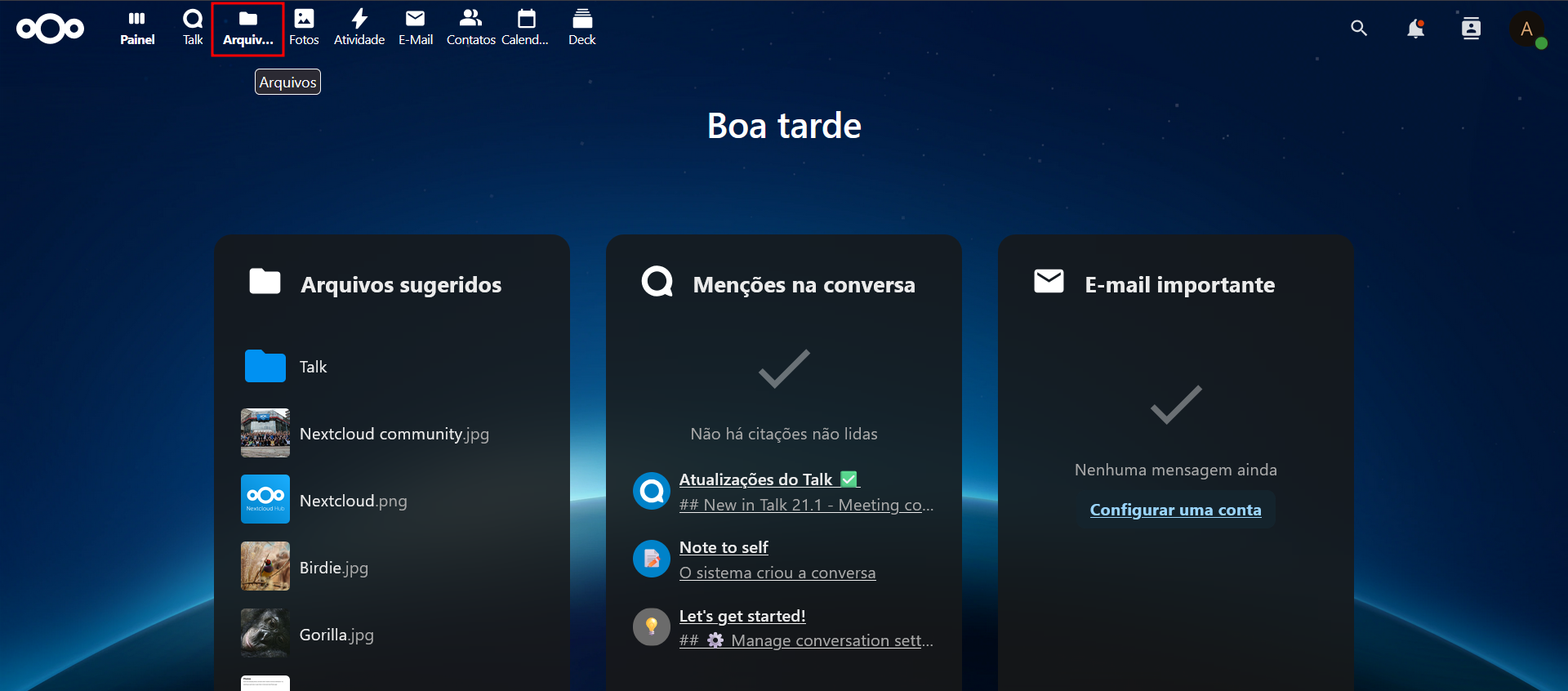
📁 File Structure and Organization
- Unlimited folder creation
- Drag and drop file upload
- View in list or grid
- Organization by name, date, or size
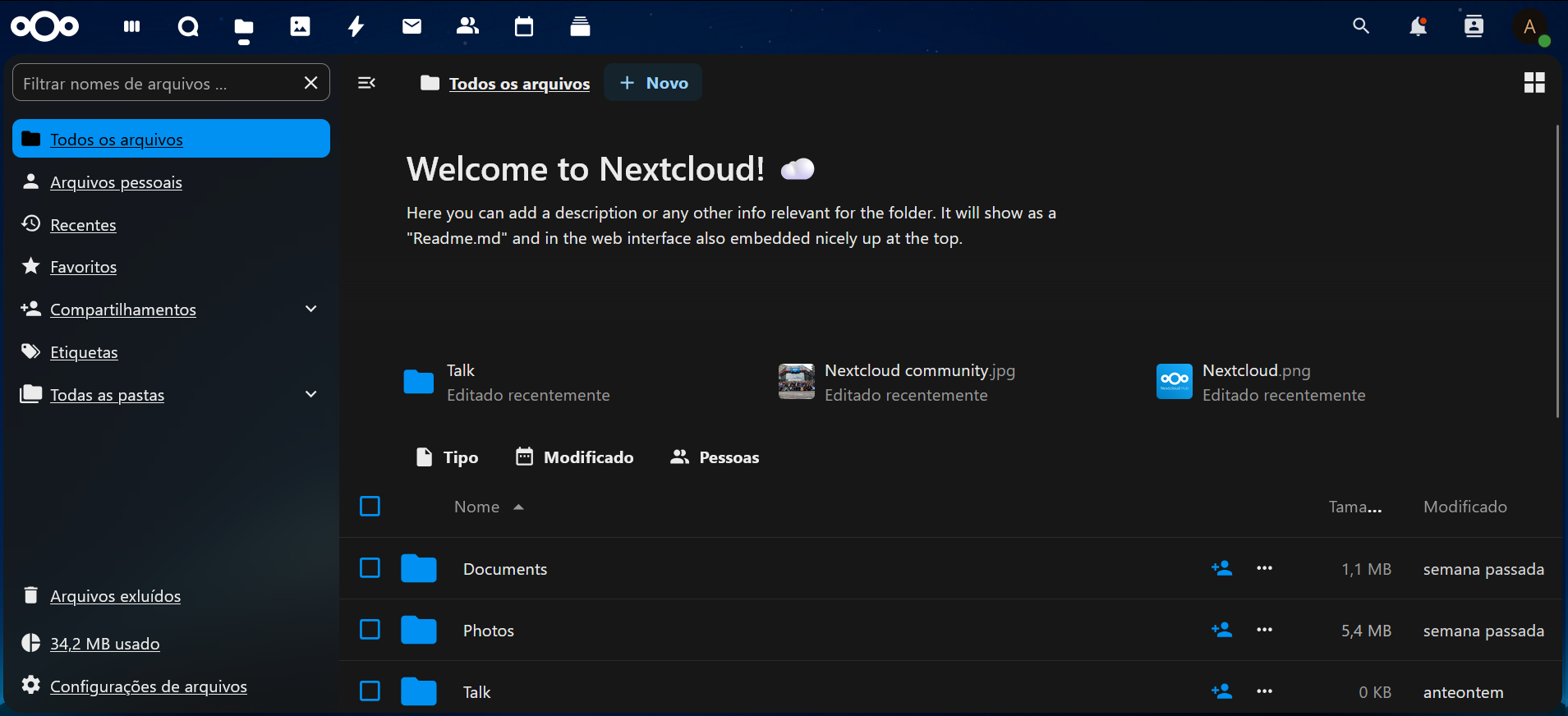
🔍 Filters and Search
- Search field with autocomplete
- Filters by file type
- Grouping by folder, name, or modification date
📤 Uploads and PHP Configuration
The file upload limit depends on the PHP environment configuration of the instance. The main parameters influencing this limitation are:
upload_max_filesize = 512M
post_max_size = 512M
max_execution_time = 300
max_input_time = 300
memory_limit = 1024M
📌 These settings can be adjusted directly in the Apache container via the Saveincloud panel in /etc/php.ini
🗑️ Versioning and Trash
Nextcloud automatically versions modified files and keeps deleted files in the trash until disk space needs to be freed.
- Users can restore previous versions
- Deleted files can be manually restored
- The disk space limit will be the main retention factor
📢 Disk space can be expanded:
- Directly in the panel by adjusting the topology
- By requesting via WhatsApp support if the account's disk limit is reached.
🔗 File Sharing
Types of sharing:
- 📎 With internal users or groups
- 🌐 Public link (with or without password)
- 📬 File upload request via link
Permissions:
- Read, write, or external upload
- Set expiration date
- Block public resending (configurable by admin)
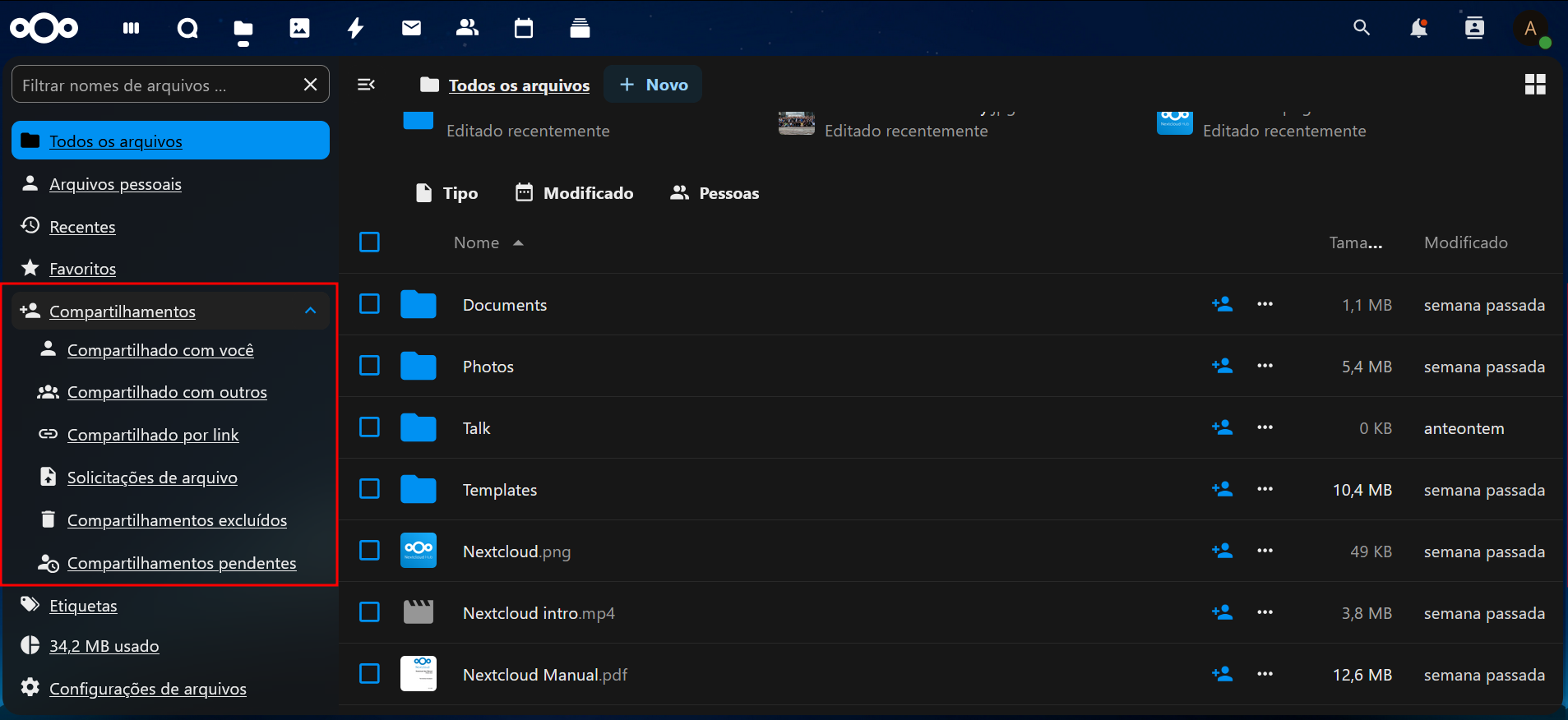
Central administration can set global restrictions in the section:
Configurações > Compartilhamento
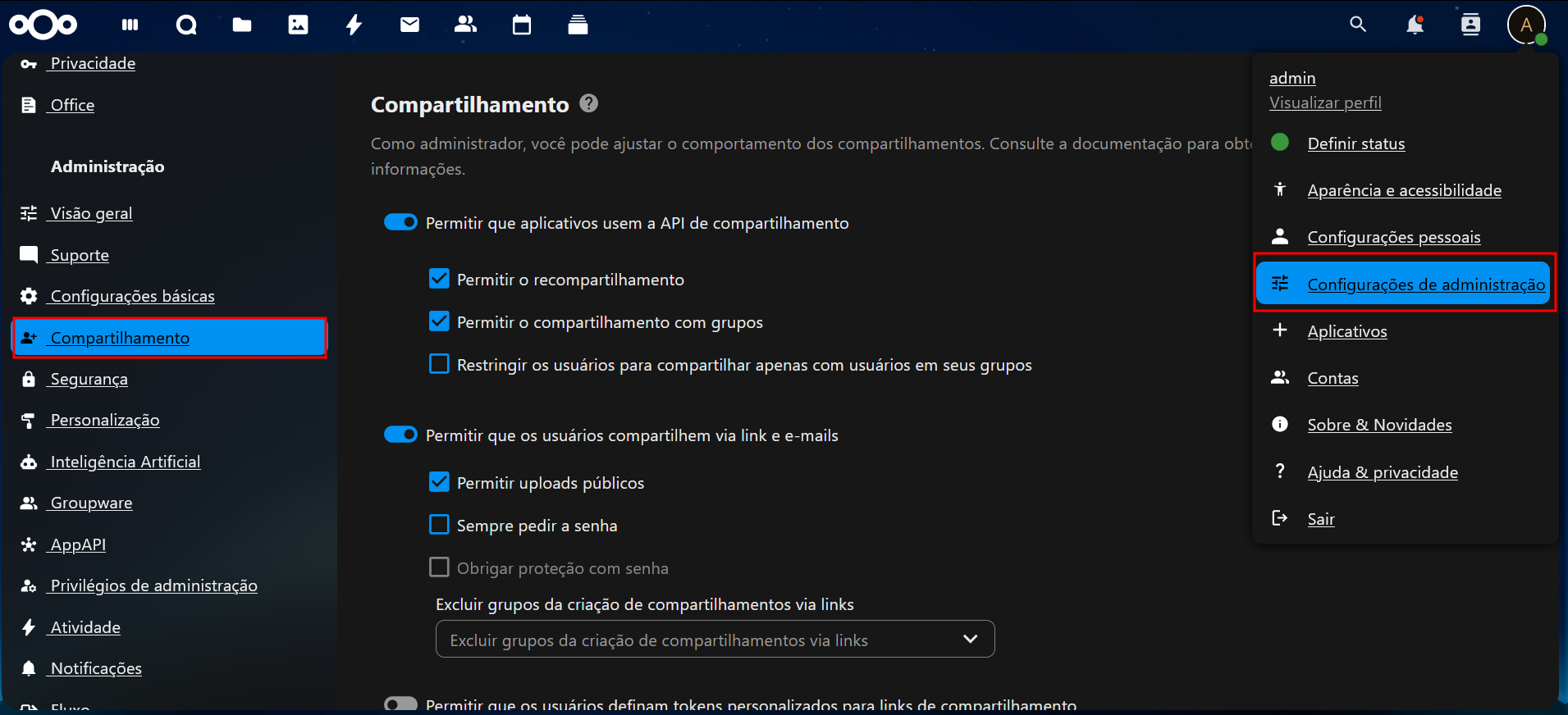
📝 File Editing with Nextcloud Office
During initial setup, it is possible to install Nextcloud Office, or install it later through the Apps section.
🌐 Access via WebDAV
Nextcloud allows remote access to files via the WebDAV protocol, which can be mounted as a network drive on the user's computer.
📌 The WebDAV connection address can be found at:
Configurações de Arquivos > WebDAV
📧 File sharing via link can also send the password by email, if configured.
📄 PDF Viewing
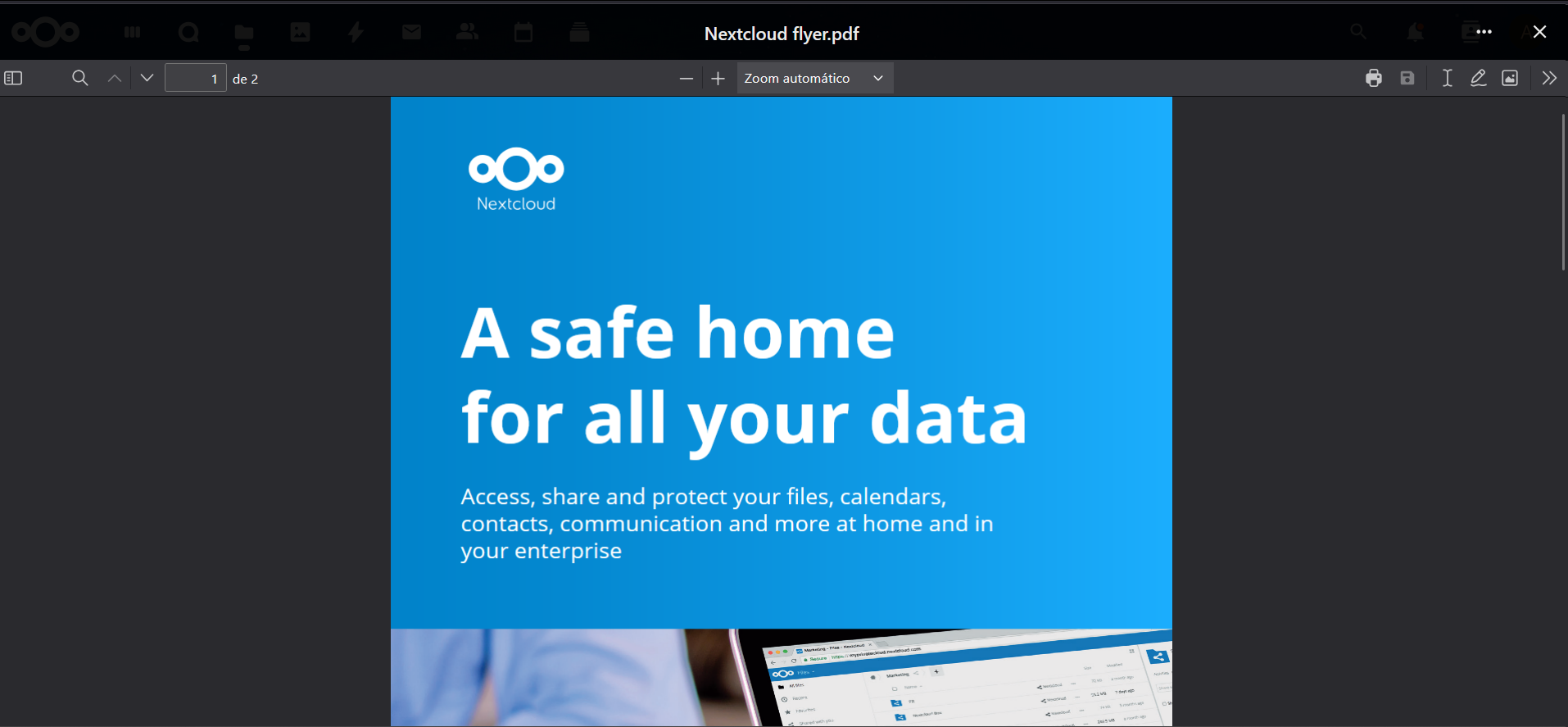
The platform supports viewing PDF files directly in the browser:
- Uses a pop-up with embedded viewer
- Allows reading without the need to download
✅ Final Considerations
The Nextcloud Files module is the foundation for the entire collaboration and storage experience on the platform. It offers:
- 📂 Intuitive organization
- 🔗 Secure sharing
- 📝 Real-time editing
- 🌐 Remote access via WebDAV
Also explore the complementary apps like Notes, Calendar, and Deck for a complete experience!