Mattermost: Installation and Configuration in Cloud
🚀 What is the Mattermost Chat Service?
Mattermost is an open source business communication platform designed to enhance collaboration among teams through messaging, organized channels, and file sharing. Created in 2015 as an open source alternative to Slack, Mattermost aims to provide organizations with greater control, privacy, and autonomy over their internal communication data. Acting as a centralized communication hub, Mattermost allows teams to collaborate in real time regardless of users' geographic locations.
🔍 Installing the Mattermost Chat Service
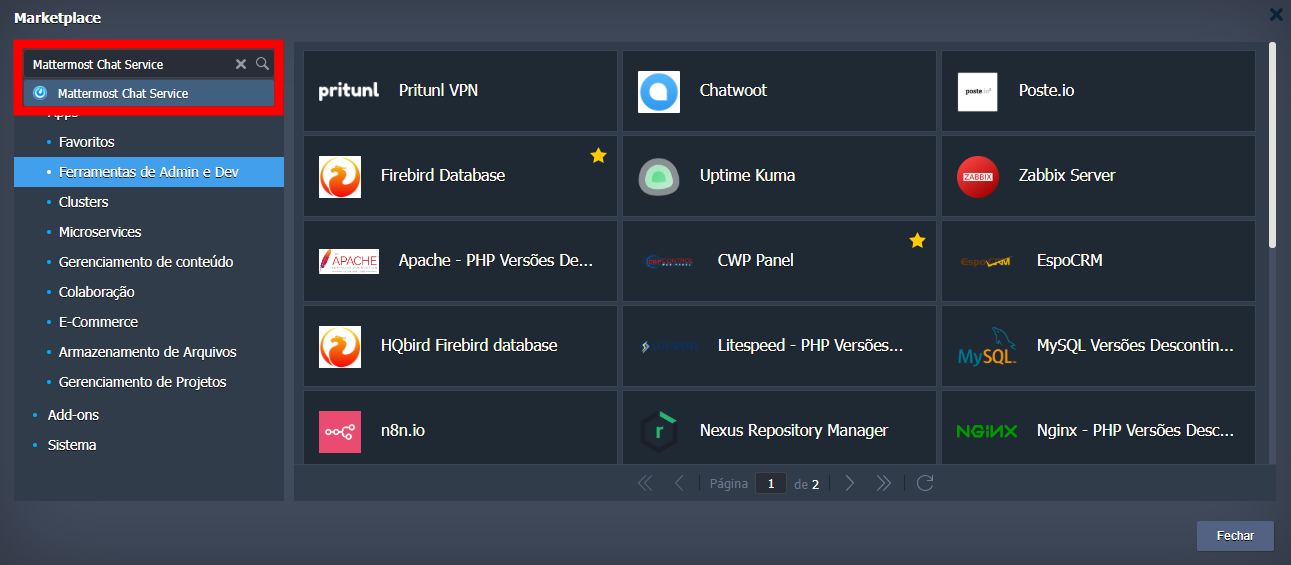
Go to the Marketplace tab near the upper right corner and search for Mattermost Chat Service.
When accessing the installer, you need to choose the environment name, display name on the panel, and the region where it will be installed.
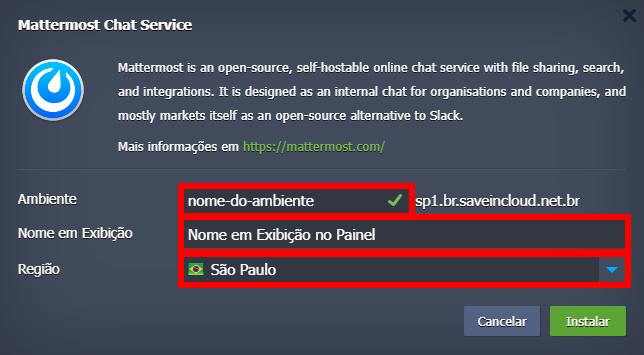
Currently, the available regions are São Paulo, Fortaleza, and Brasília.
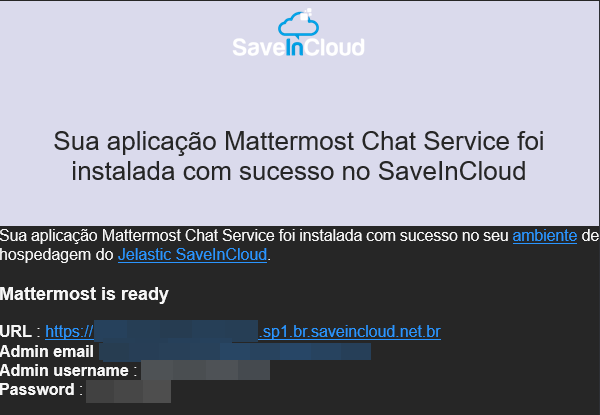
After completing the installation, the URL and access data will be sent to the email account registered on the platform.
⚙️ First Access
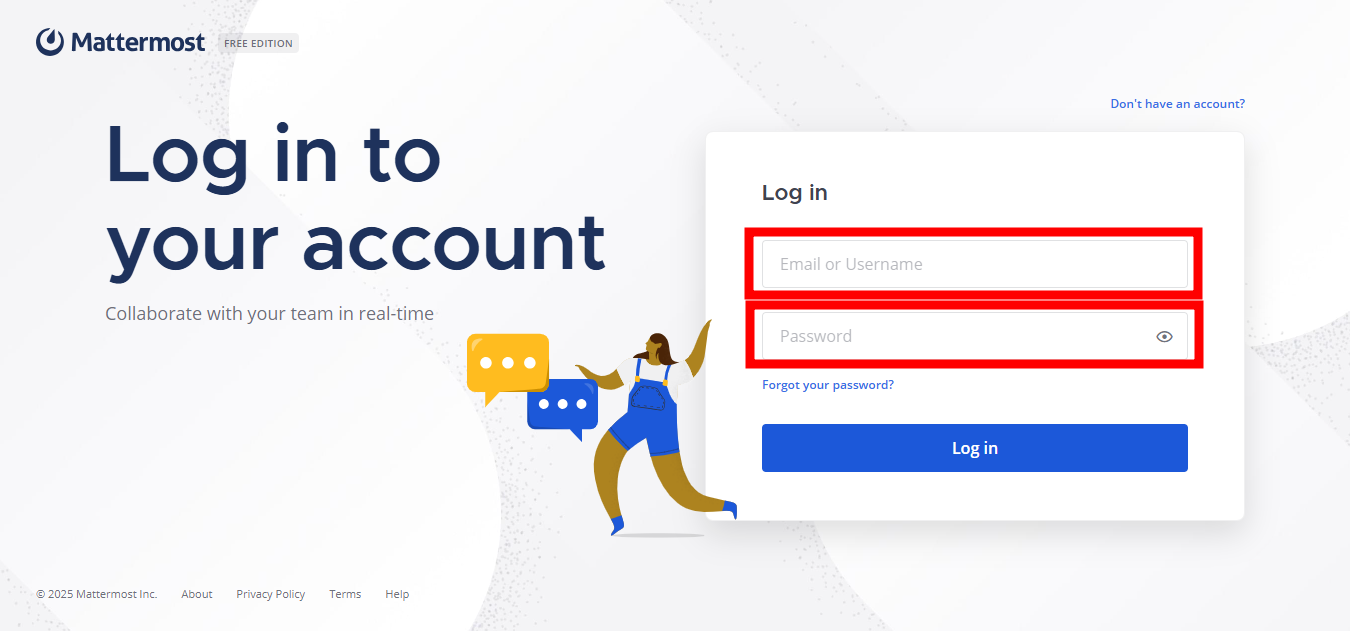
When accessing the URL provided via email, you will be directed to the login screen. To log in, simply enter the credentials you received in your email account registered on the platform.
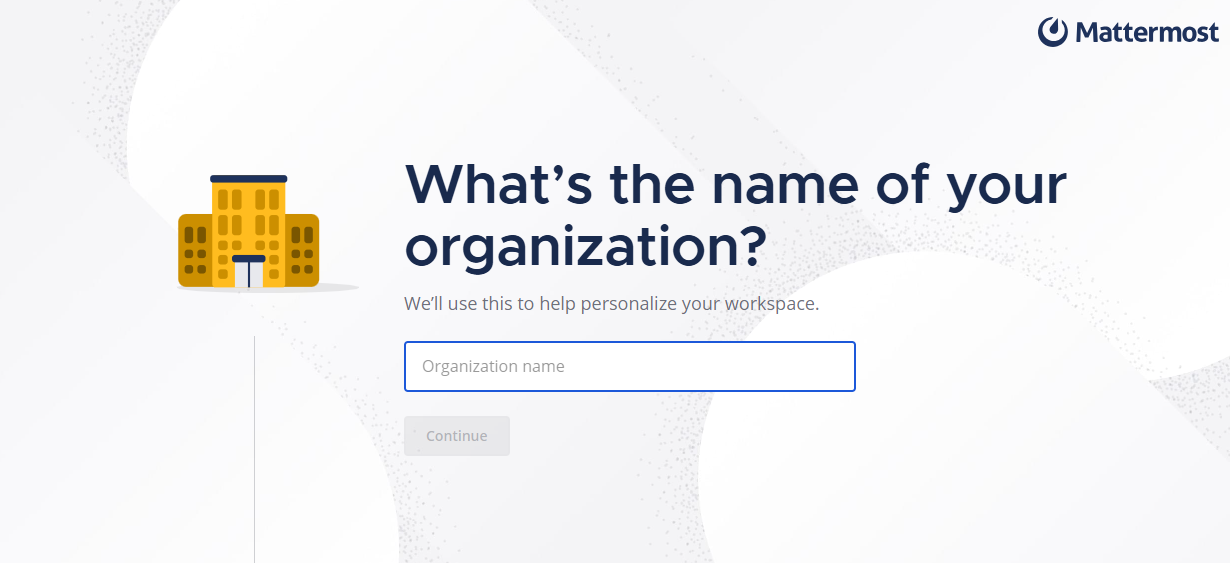
Next, set a name for your organization in Mattermost.
Afterwards, you can select some tools to integrate into your workspace. If you do not want to, just click skip and this section will be skipped.
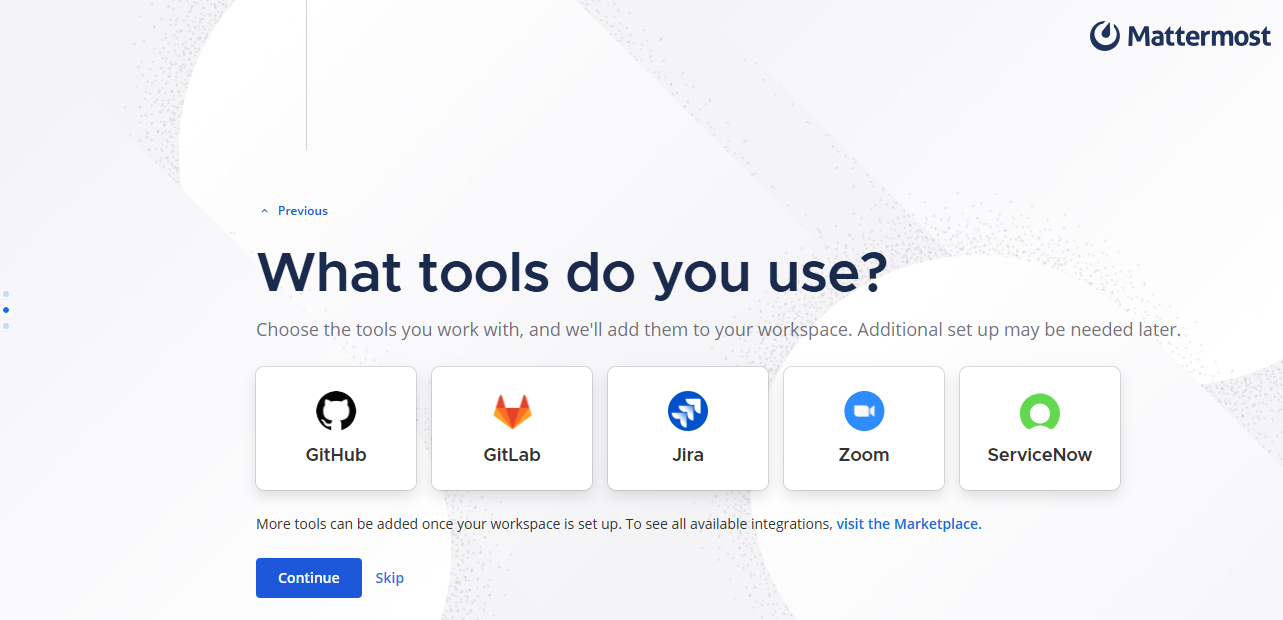
You can add tools later through the App Marketplace of the Mattermost Chat Service.
To finish, just copy the invite link and share it with those you want to have access to your workspace.

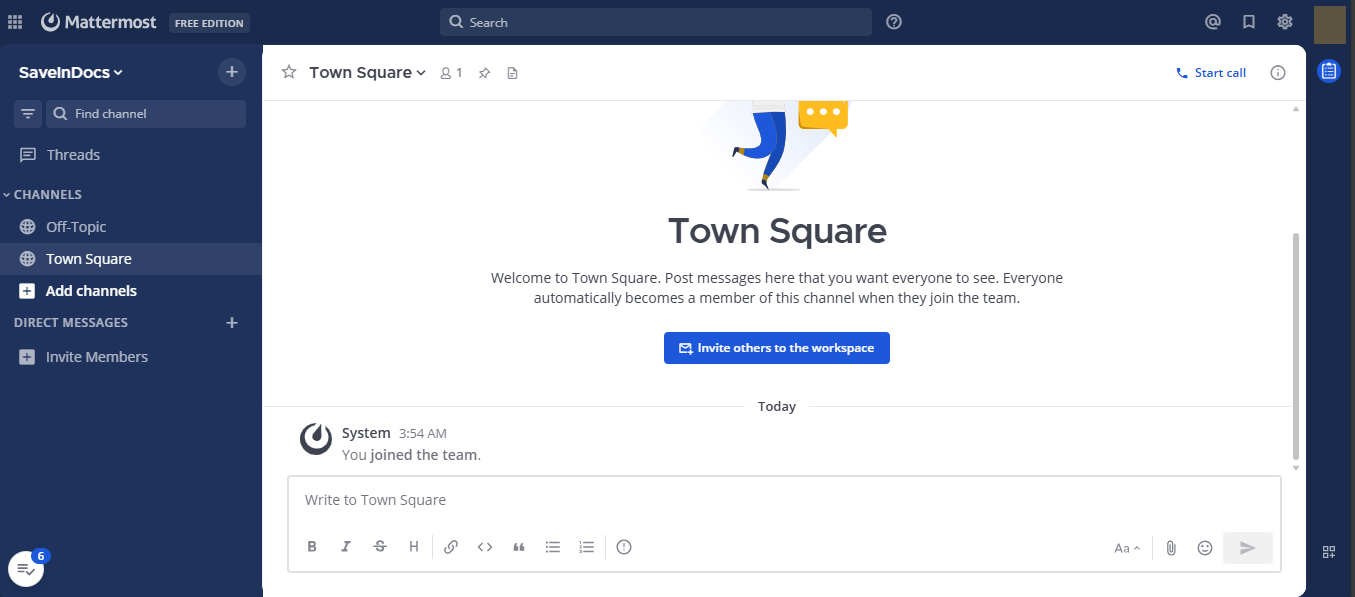
After completing the setup, you will be able to access your Mattermost Chat Service panel!
🧠 Questions?
Contact technical support and send your question—we are available to help you!