🎫 osTicket
osTicket is an open-source help desk/ticketing system.
In the SaveinCloud Marketplace, the osTicket template creates a ready environment (web + database) and makes the system accessible for you to start registering support tickets.
🚀 Installation via Marketplace
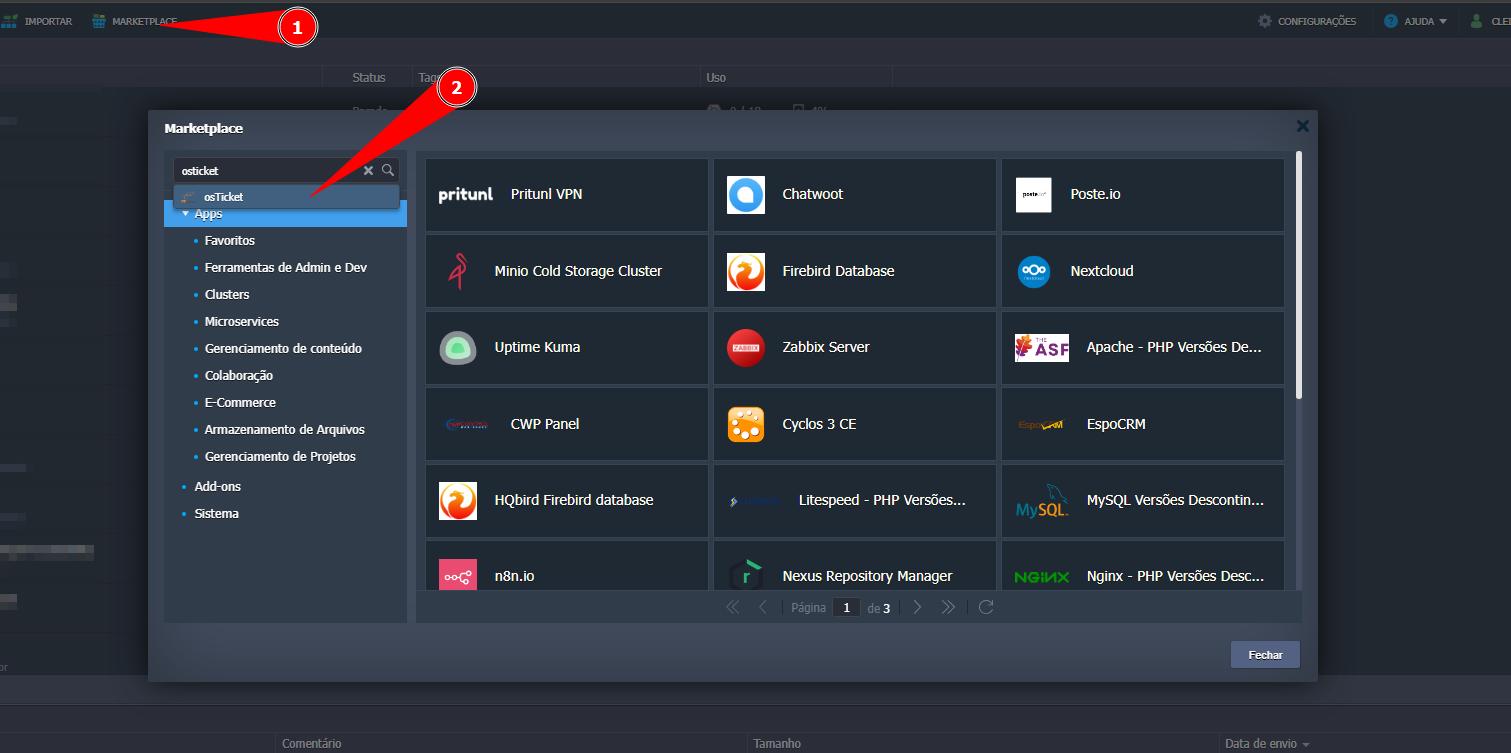
- In the SaveinCloud Panel, go to Marketplace.
- Search for osTicket.🔎
⚙️ Template Configuration
Fill in the pre-installation fields:
- Environment — Technical name of the environment (e.g.,
meusistema). - Display Name — Name shown in the panel to identify the environment (e.g.,
osTicket). - Region — Data center where the nodes will be created (e.g.,
Brasília).
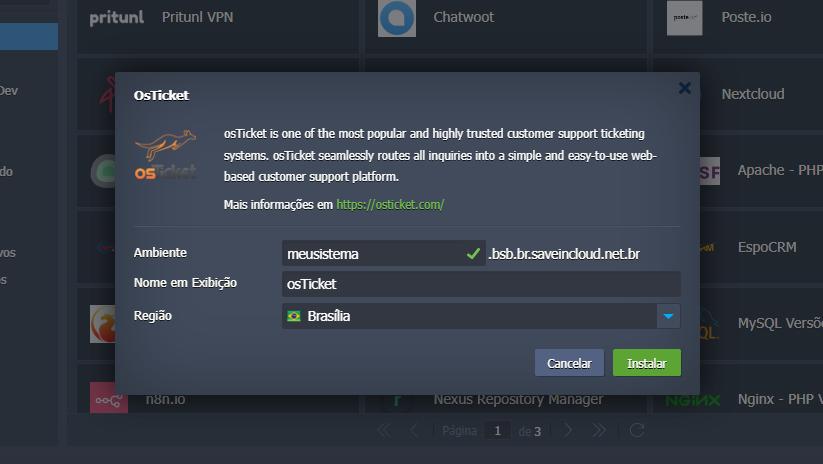
▶️ Click Install to start provisioning.
⛏️ Provisioning
After confirmation, the platform starts preparing the infrastructure and executes the initial build/deploy flow.
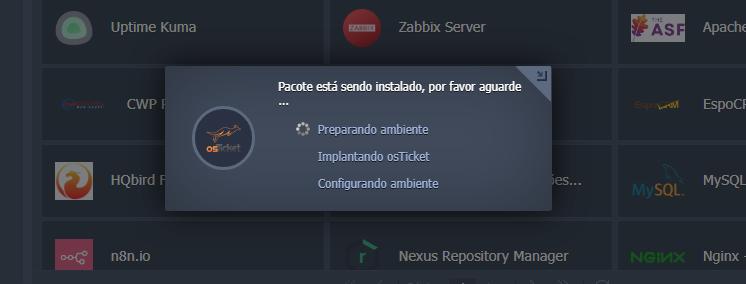
ℹ️ Please wait for completion.
SaveinCloud manages, in the background, the creation and configuration of components (application server, database, etc.) transparently — without requiring complex interventions.
✅ Completion
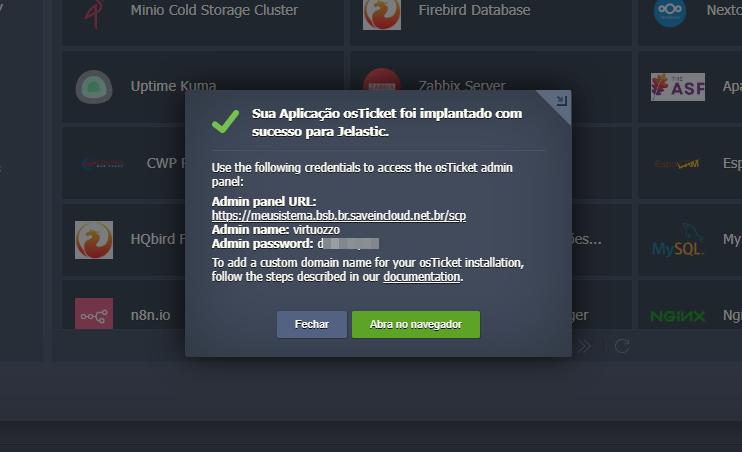
After finishing, the environment will be fully configured and ready for access.
🔐 Access to the Administration Panel
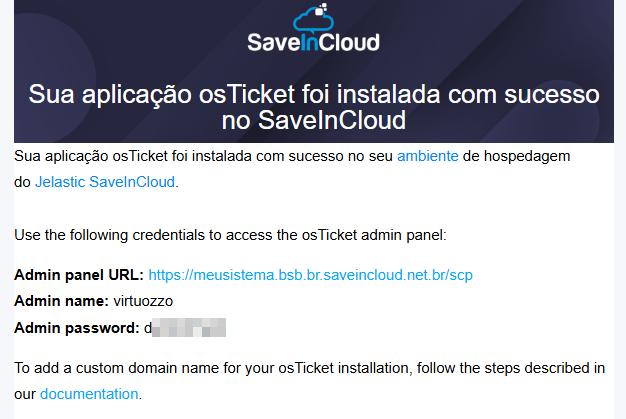
You will receive a confirmation email with the URL and credentials for the osTicket Administration Panel.
- Click the URL provided in the email.
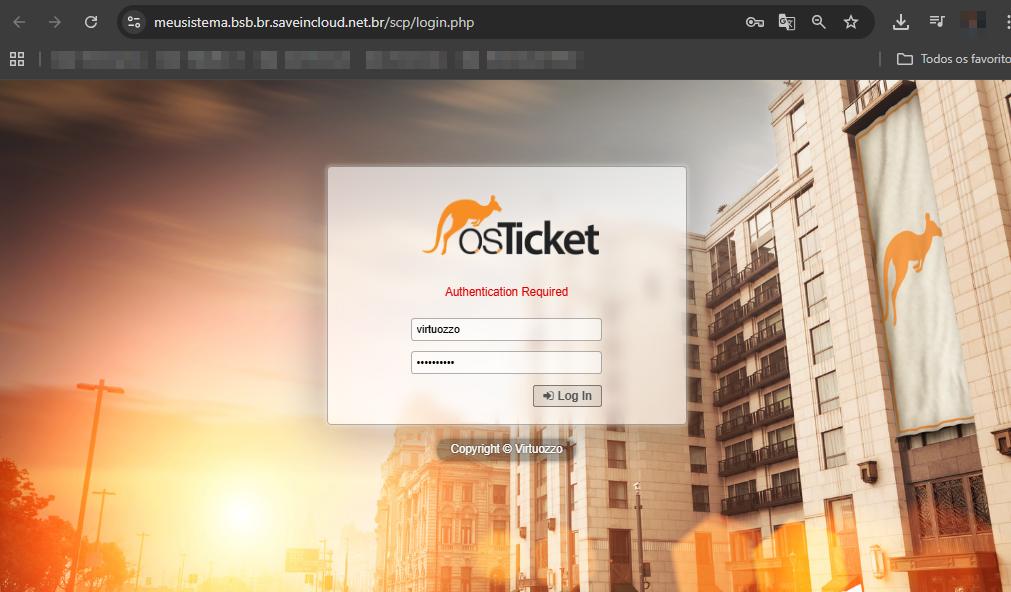
- Log in with the received credentials.
🔑Login to the Administration Panel
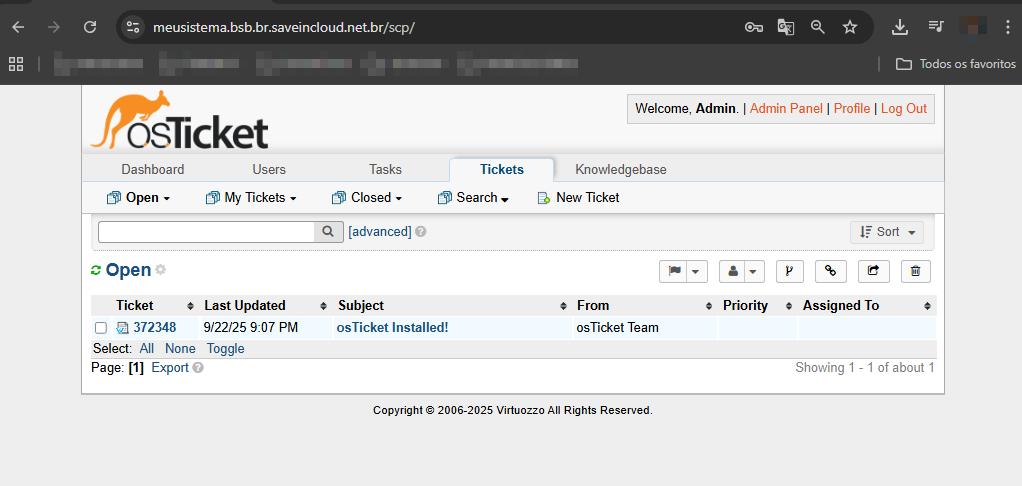
🛤️Logged in as Admin
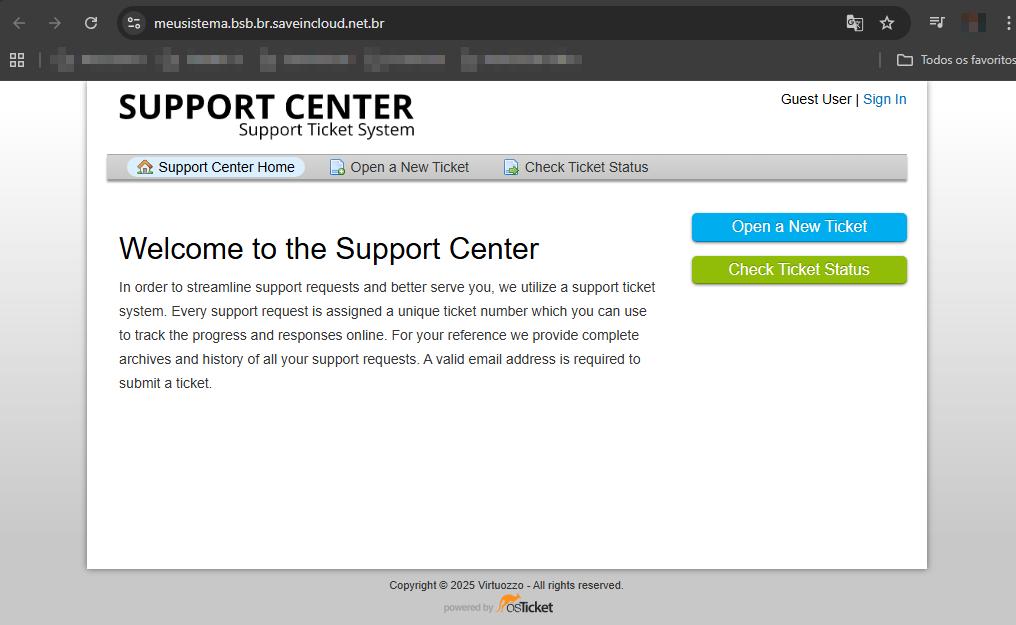
▶️ Initial Access to the osTicket Page
The installation sets up the default public page of osTicket, which is operational immediately after installation, allowing you to open tickets and check status right away.
The page comes with basic settings. For production use, you can adjust it in the Administration Panel.
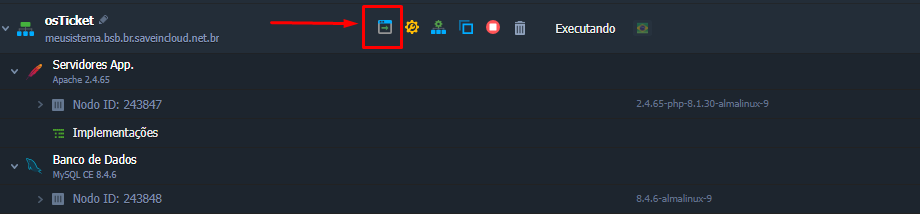
➡️ In the panel, use the Open in Browser option to access the environment's initial public page.
Public page in operation.
🔗 Useful Links
- Solution website: https://osticket.com/appliance/
- osTicket Documentation: https://docs.osticket.com/en/latest/
🧠 Support
If you have questions or issues with the configuration, contact SaveinCloud Technical Support through the channels available in the panel.