🚀 Laravel Deployment via SaveinCloud Marketplace
📖 Introduction
Laravel is one of the most widely used PHP frameworks in the world, known for its simplicity, performance, and security.
In the SaveinCloud Marketplace, you can deploy Laravel in just a few clicks, with an environment ready to run your web applications in production.
🛠️ Deployment via SaveinCloud Marketplace
-
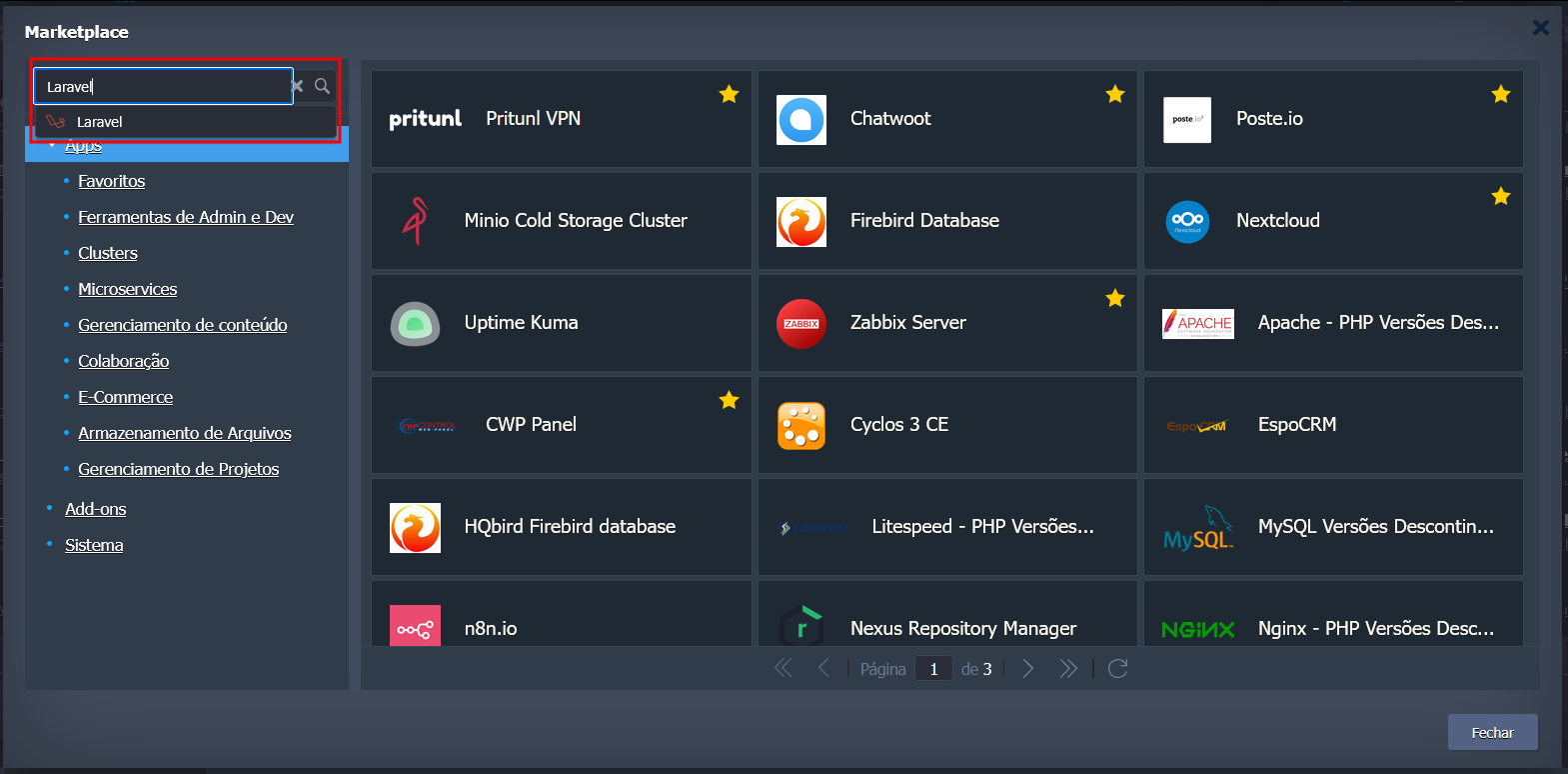
Access the SaveinCloud Panel and go to the Marketplace tab.

-
Search for the Laravel item and click Install.
-
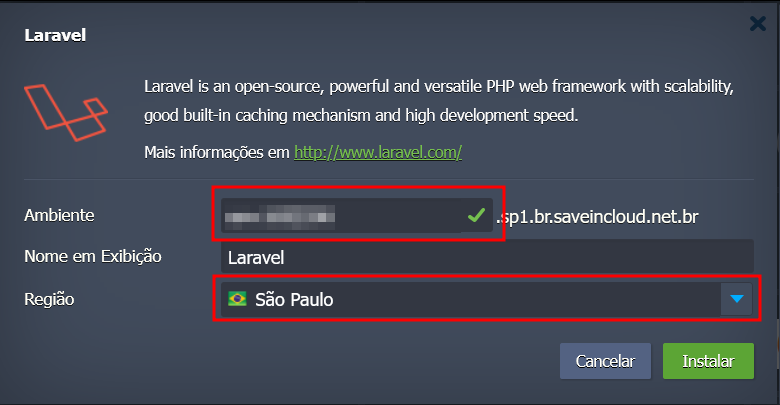
Configure the environment parameters:
- Environment name
- Region (e.g., Brasília)
-
Confirm the installation to start the deployment.
-
Wait for the automatic provisioning of the environment with Laravel pre-installed.
⚡ Laravel Deployment Features
- Environment ready for modern PHP applications.
- Full compatibility with Composer, Artisan CLI, and Laravel libraries.
- Horizontal and vertical scalability according to demand.
- Load balancing and high availability through the SaveinCloud platform.
✅ Best Practices
- Properly configure the .env with environment variables (DB, cache, mail, etc).
- Use cache (Redis or Memcached) to improve performance.
- Enable the queue system to manage background jobs.
- Configure Storage (local or S3 compatible) for files and uploads.
🐞 Troubleshooting
-
500 error when accessing the application
- Check permissions of the folders
storage/andbootstrap/cache/.
- Check permissions of the folders
-
Database connection issues
- Adjust credentials in the
.envfile of the application.
- Adjust credentials in the
-
Broken dependencies
- Run
composer installorcomposer updatein the provisioned environment.
- Run