☕ Deploying the Glassfish Autoscalable Cluster via SaveinCloud Marketplace
📖 Introduction
The Glassfish Autoscalable Cluster is a Java application server solution available in the SaveinCloud Marketplace.
It allows you to create an automatically scalable cluster, ensuring high availability, load balancing, and flexibility for enterprise Java EE-based applications.
🛠️ Deployment via SaveinCloud Marketplace
-
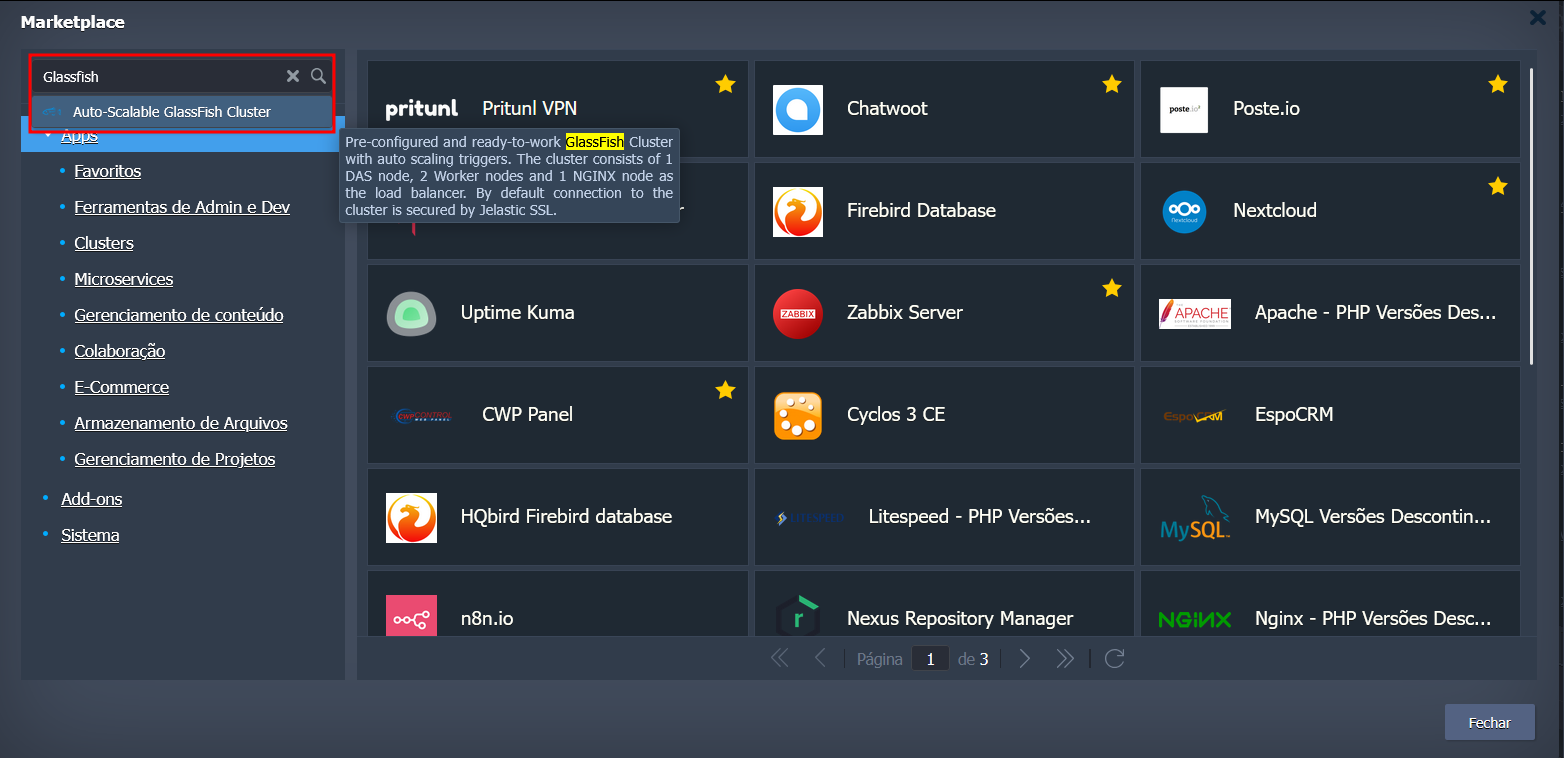
Access the SaveinCloud Dashboard and go to the Marketplace tab.

-
Search for the Glassfish Autoscalable Cluster item and click Install.
-
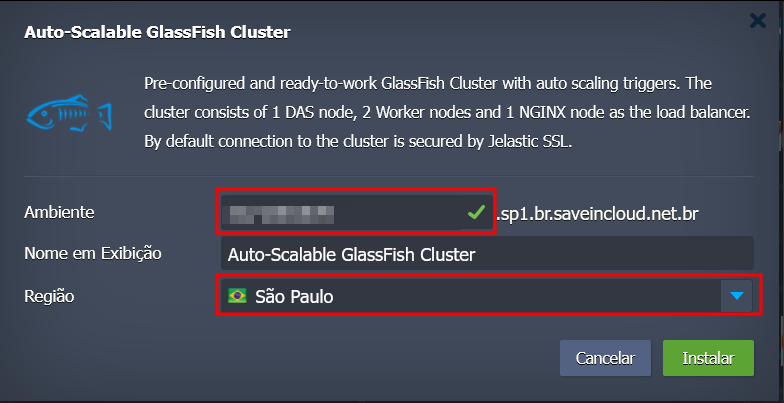
Configure the environment parameters:
- Cluster name
- Region (e.g., Brasília)
-
Confirm the installation to start the deployment.
-
Wait for the automatic provisioning of the infrastructure.
⚡ Features of the Glassfish Autoscalable Cluster
- Automatic scalability based on demand.
- Load balancing among Glassfish instances.
- High availability for critical production applications.
- Simplified management through the SaveinCloud dashboard.
✅ Best Practices
- Properly configure JDBC connection pools to avoid bottlenecks.
- Use autoscaling to adapt the cluster according to the load.
- Monitor Glassfish logs and metrics to identify performance adjustments.
- Consider integrating with a Traffic Distributor for A/B testing or failover.
🐞 Troubleshooting
-
The cluster does not scale automatically
- Check the autoscaling policies configured in the dashboard.
-
Connection failures with the application
- Confirm that the cluster load balancer is active and has valid endpoints.
-
High resource consumption
- Adjust the memory/CPU limits of the Glassfish instances according to demand.