📧 Webmail Lite Installation Tutorial
🌐 Introduction
Webmail Lite is a simple and efficient webmail application that allows you to manage email accounts directly through the browser.
Ideal for those who need quick and practical access to email without relying on installed clients.
🛒 Step 1 - Accessing the Marketplace
Open the SaveInCloud Marketplace and search for Webmail Lite to start the installation.

⚙️ Step 2 - Installation
Select the Webmail Lite installation option in the platform wizard.

📩 Step 3 - Receiving Credentials
After installation, you will receive your access credentials by email.
This information is necessary to log in to Webmail Lite.


🎉 Step 4 - Accessing the Panel
Now just access the admin panel with the appropriate credentials.
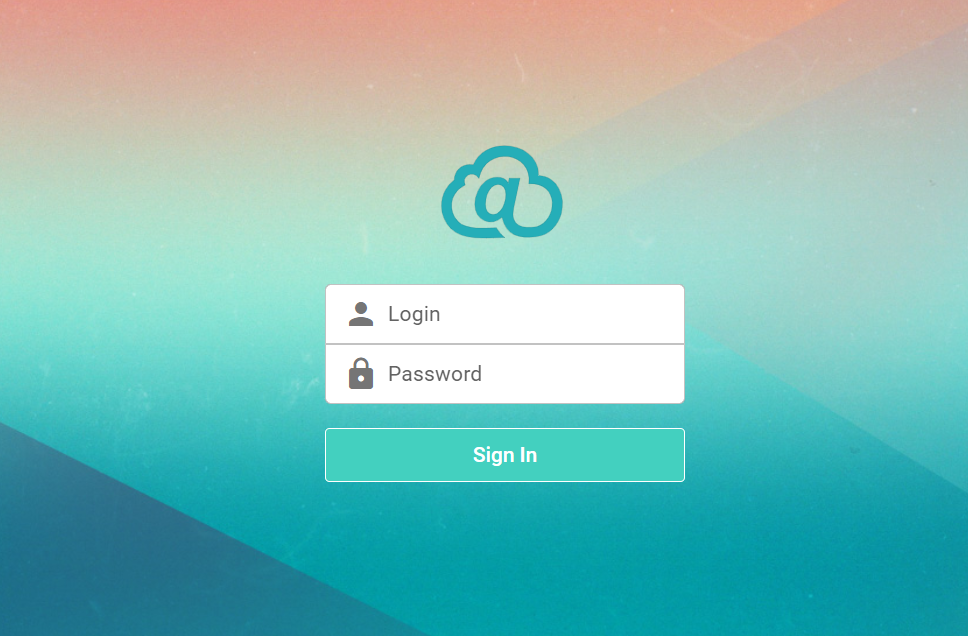
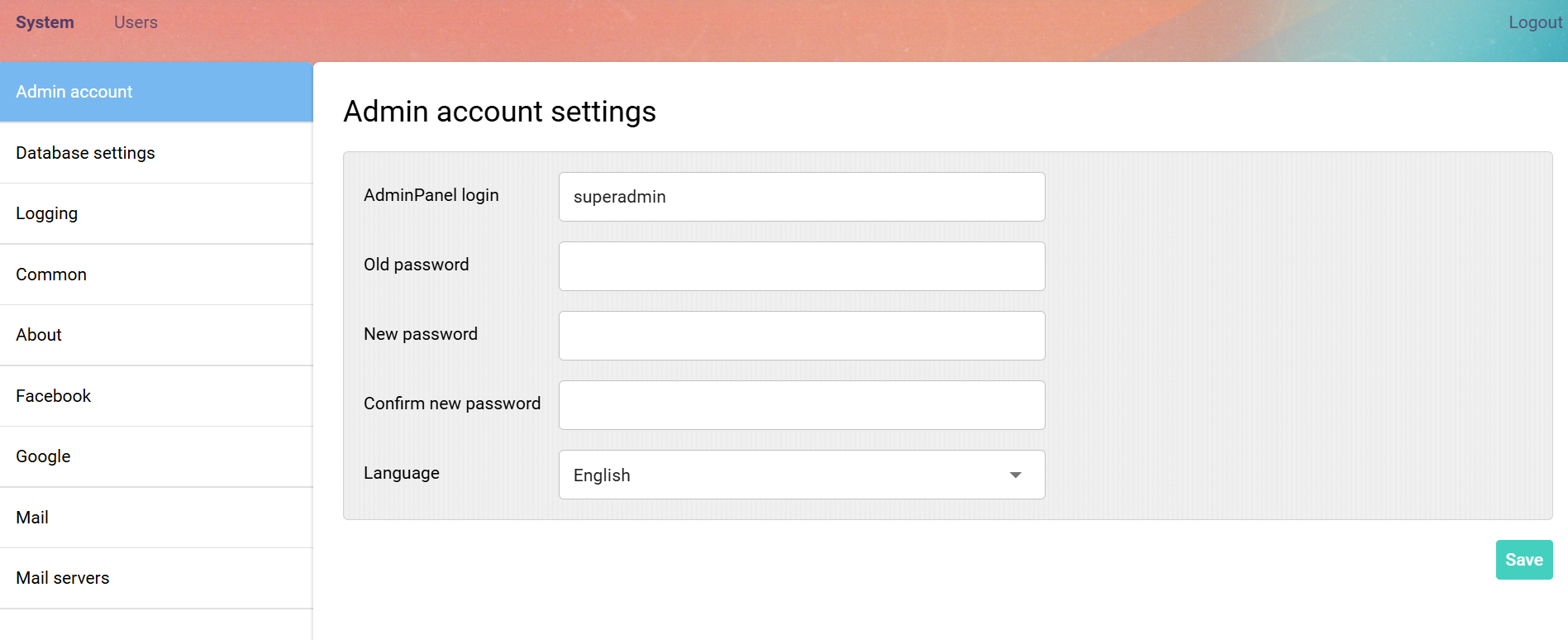
✅ Done! Webmail Lite has been successfully installed and is ready to use.
🧠 Support
If you have questions, encounter difficulties during configuration, or need help in specific situations, contact SaveinCloud technical support through the channels available in the platform panel.