WildFly Continuous Deployment
This package creates a ready environment with WildFly + build node (Maven) to perform continuous deployment from a Git repository. On every push to the configured branch, the code is built (Maven) and automatically deployed to WildFly.
🚀 Installation via Marketplace
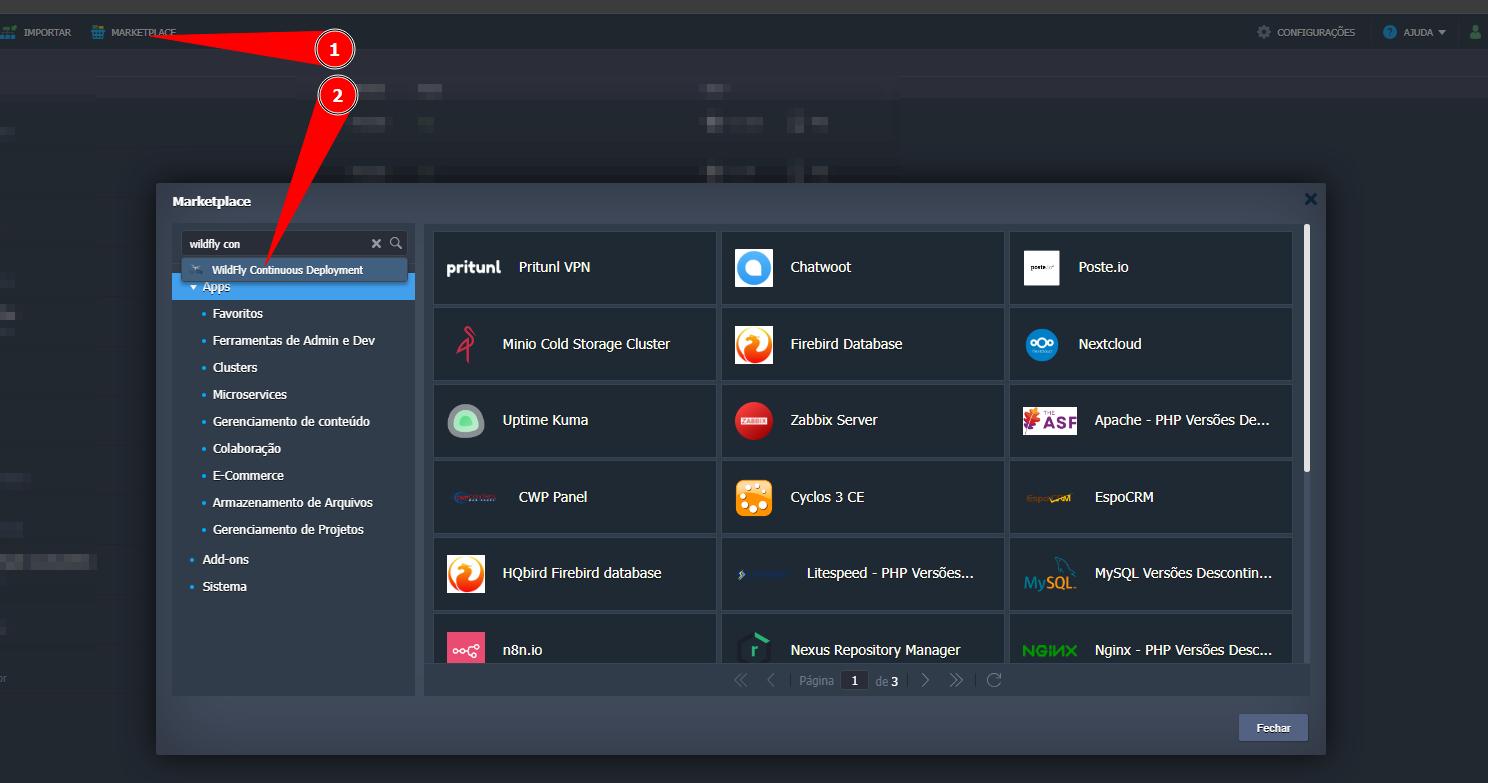
- In the SaveinCloud Panel, go to Marketplace.
- Search for “WildFly Continuous Deployment”.🔎
⚙️ Template Configuration
Fill in the installation pop-up fields:
- Git Public Repo URL — URL of the repository to be cloned for build and deploy (e.g.,
https://github.com/jelastic/HelloWorld.git). - Environment — Technical name of the environment (e.g.,
meuwildfly). - Display Name — Name shown on the panel to identify the environment (e.g.,
WildFly Continuous Deployment). - Region — Data center where the nodes will be created (e.g.,
Brasília).
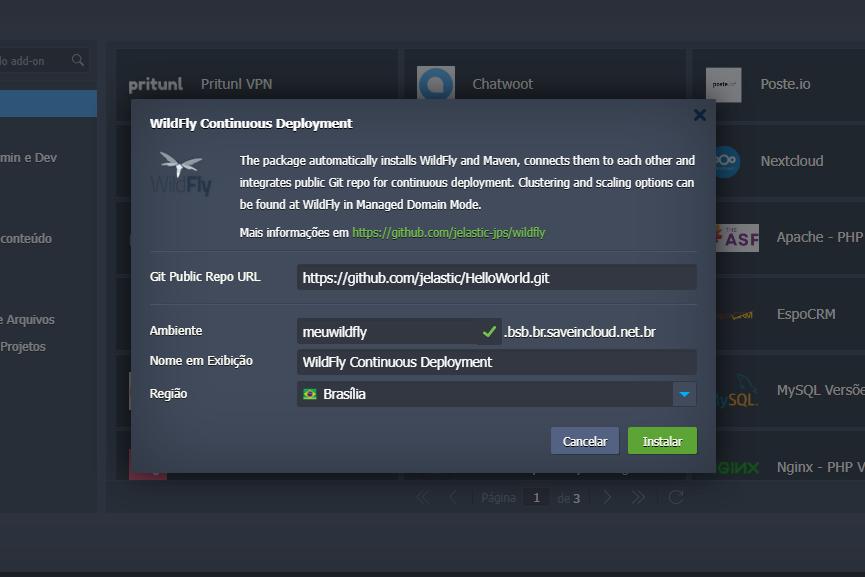
▶️ Click Install to start provisioning.
⛏️ Provisioning
After confirmation, the platform starts preparing the infrastructure and executes the initial build/deploy flow.
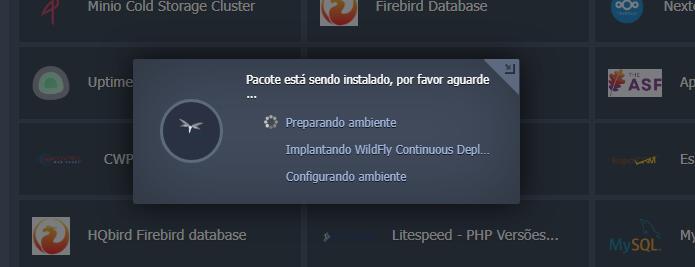
ℹ️ Please wait for completion.
SaveinCloud manages, in the background, the creation and configuration of components (application server, DNS, and load balancing) transparently — without requiring complex interventions.
✅ Completion
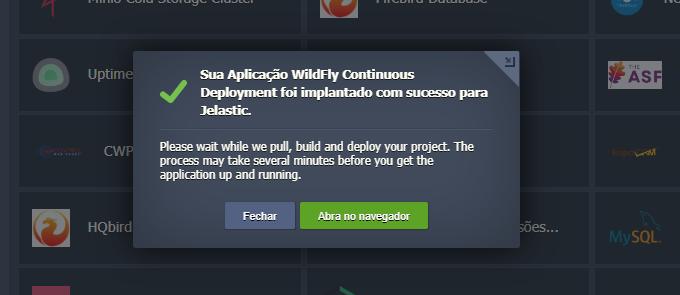
After finishing, the environment will be fully configured and ready for access.
🔐 Access to the Administration Console
You will receive a confirmation email with the URL and credentials for the WildFly Console.
- Click the console link.
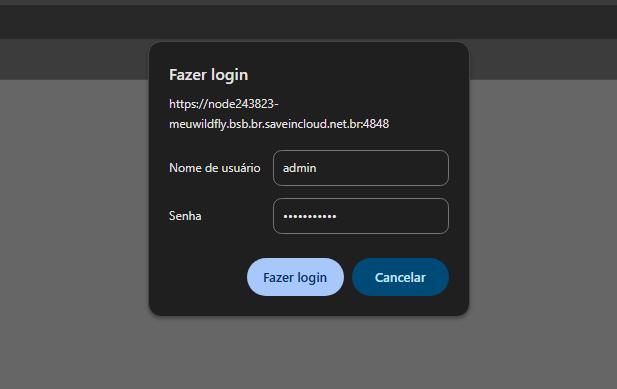
- Log in with the provided credentials.
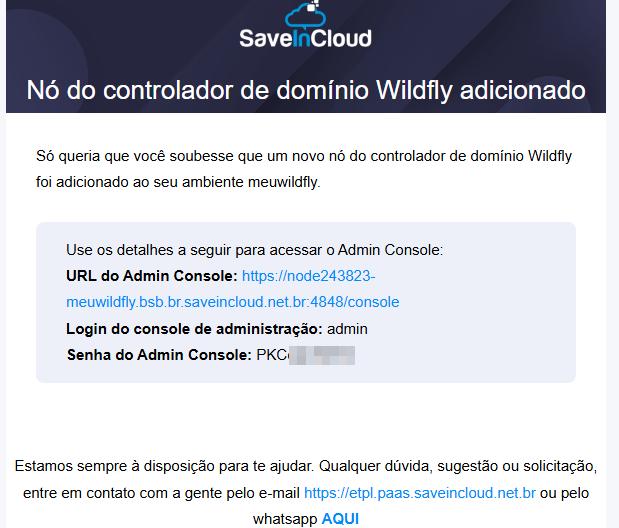
🔑Login to the Administration Console
🛤️Logged in as Admin
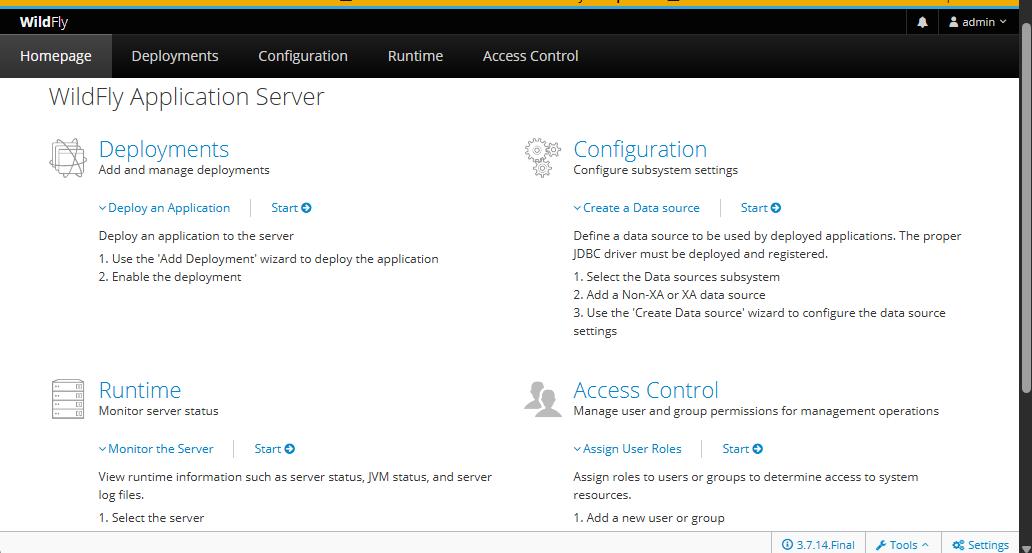
▶️ Initial Access to the WildFly Page
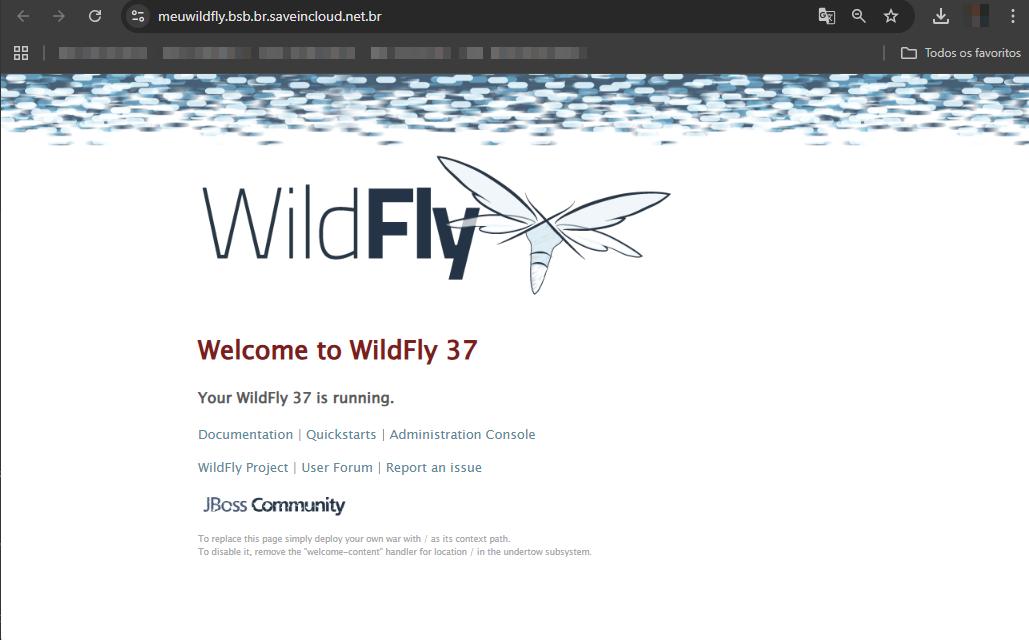
The template already publishes a Hello World for quick validation.
In the panel, use Open in Browser to access the environment's home page.
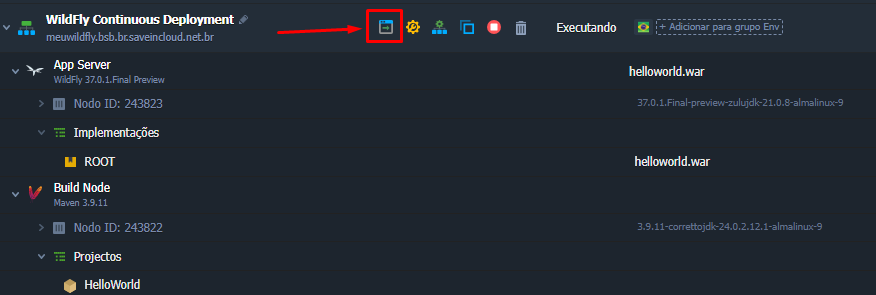
Hello World page running.
🔗 Useful Links
- WildFly Documentation: https://docs.wildfly.org/
- Virtuozzo Platform Docs: https://www.virtuozzo.com/application-platform-docs/building-custom-container/
🧠 Support
If you have questions or issues during configuration, contact SaveinCloud Technical Support through the channels available in the panel.