OpenVPN Access Server (Client-to-Site)
🚀 What is OpenVPN Access Server?
OpenVPN Access Server is a solution that facilitates the quick deployment of a VPN server for remote access. It is based on the well-known open-source OpenVPN software and enables the use of a VPN server configured together with a compatible client across multiple platforms. It features an integrated web administration panel that allows you to adjust all OpenVPN configuration options. Additionally, it can be integrated with a free Let's Encrypt SSL certificate, with automatic renewal.
This solution includes a free OpenVPN Access Server license for two simultaneous connections. If you have an activation key for more connections, you can apply it in Admin UI > Configuration > Activation.
🔍 Installing OpenVPN Access Server
Go to the Marketplace tab near the upper right corner and search for OpenVPN Access Server.
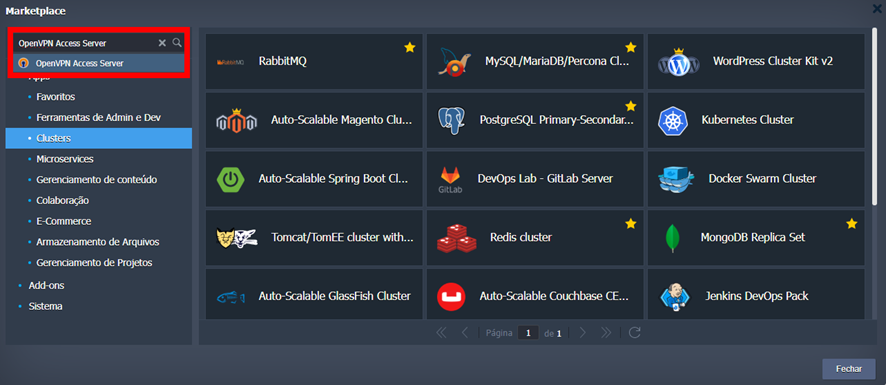
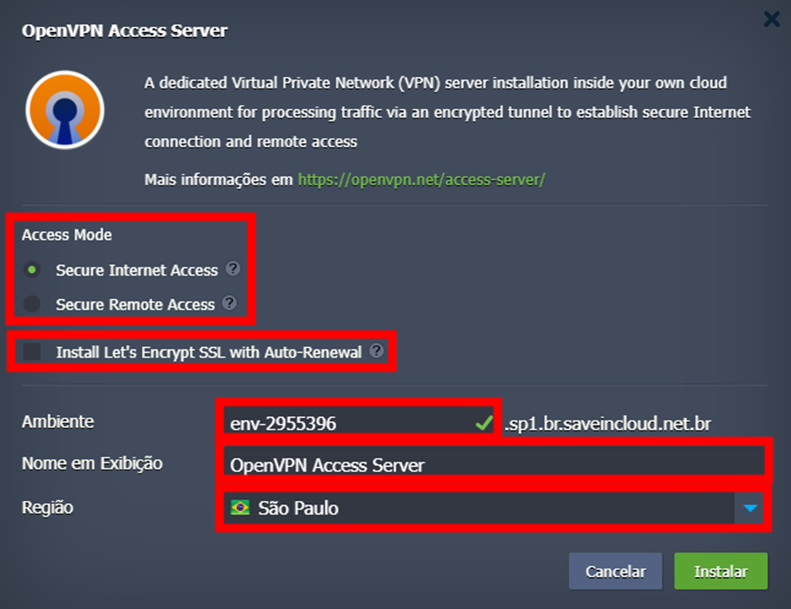
When accessing the installer, you need to set the following configurations:
-
Access Mode: choose between the installation modes Secure Internet Access or Secure Remote Access.
- Secure Internet Access: encrypts traffic to the internet and sends device packets through the tunnel, resolving queries via Google's public DNS.
- Secure Remote Access: creates interconnected private networks for application access between environment groups (if any) or between the region where the instance runs. Associates the environment host with its private IP.
-
Install Let's Encrypt SSL with Auto-Renewal: installs an SSL certificate for secure access to the OpenVPN web administration interface.
-
Environment: name for your environment's host
-
Display Name: display name of the environment on your panel
-
Region: region where OpenVPN will be installed.
Currently, the available regions are São Paulo, Fortaleza, and Brasília.
🌐 Accessing OpenVPN
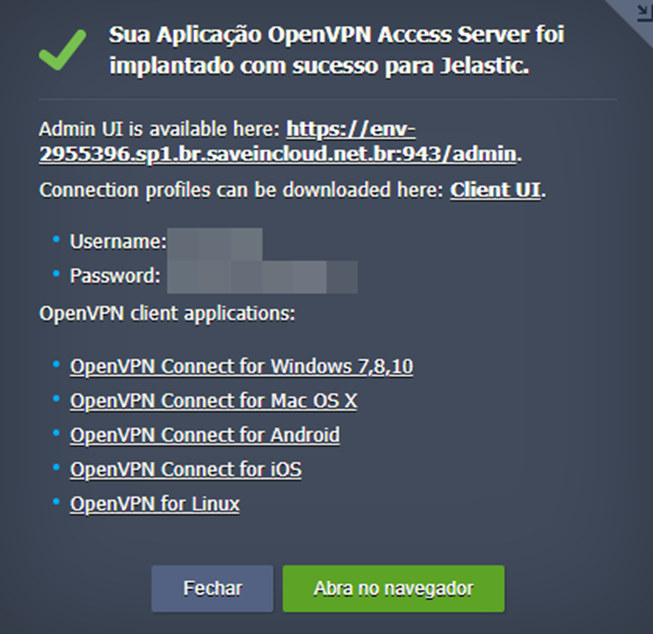
Upon completing the installation, you will receive a notification on your platform panel with the URL details and access credentials.
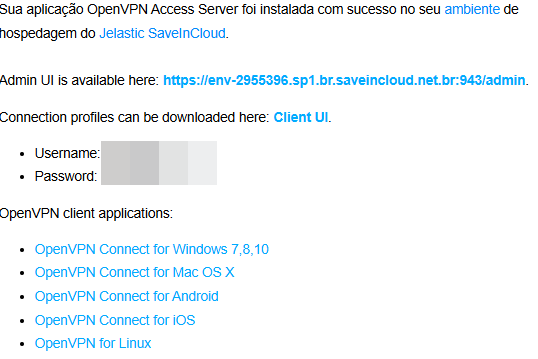
Additionally, you will receive the same information at your registered email.
Make sure the following ports are open in the environment's Firewall: 80, 443, 943, and 1194. If not, open them via the platform firewall
⚙️ Changing the VPN access mode
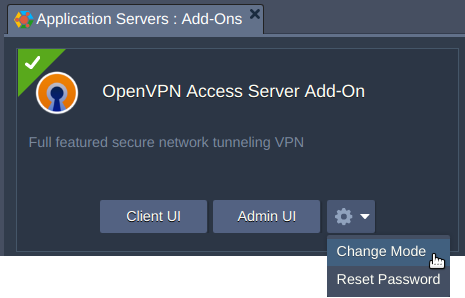
If necessary, you can change the VPN mode in the OpenVPN Access Server Add-On
🧠 Questions?
Contact technical support and send your question—we are here to help!