🌐 Redis Multi-Region Cluster
The Redis Multi-Region Cluster is a pre-packaged distributed implementation of Redis, where data is sharded among cluster nodes in different regions. The solution aims for: High performance and linear scalability, an acceptable level of write safety, and availability.
🚀 Installation via Marketplace
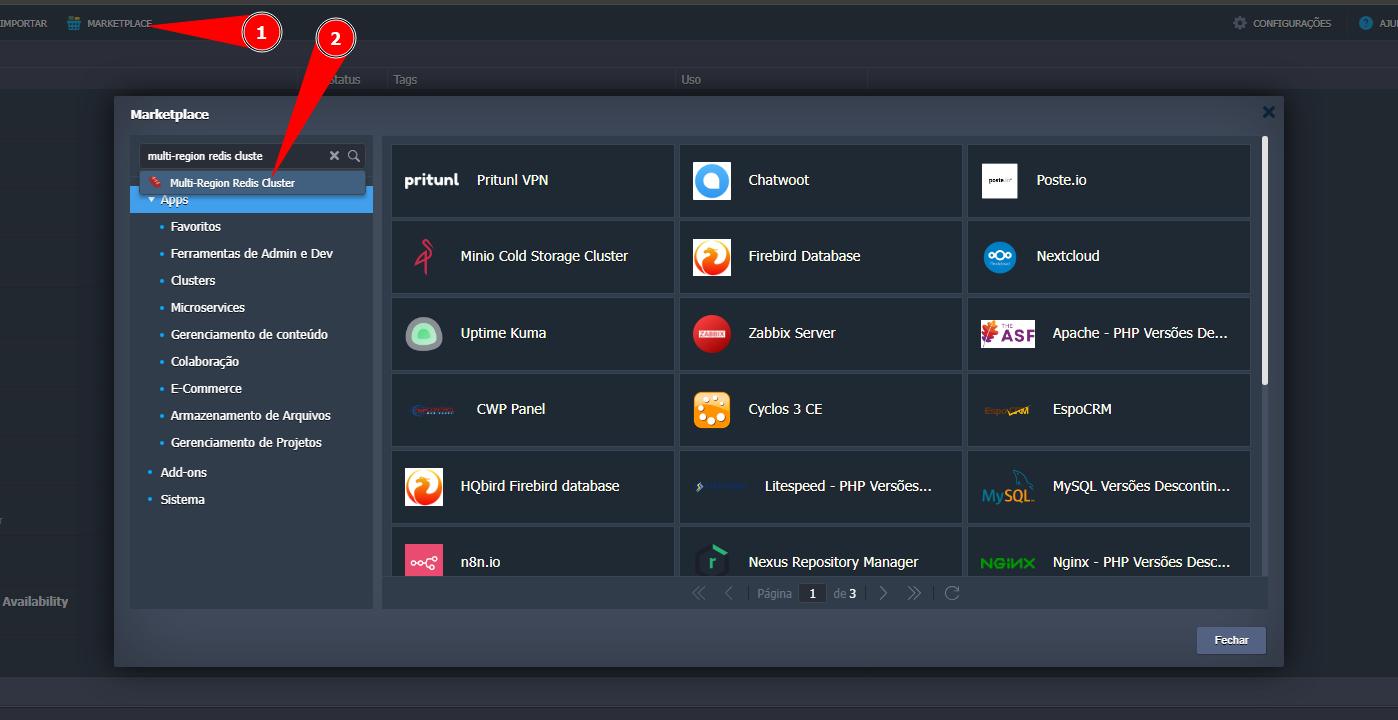
- In the SaveinCloud Panel, go to Marketplace.
- Search for “Redis Multi-Region Cluster”.🔎
⚙️ Template Configuration
Fill in the pre-installation fields:
| Field | Description | Notes |
|---|---|---|
| Version | Redis version to be deployed. | Prefer LTS/stable versions. |
| Environment | Name of the environment grouping the cluster nodes. | Lowercase, numbers, and hyphen. |
| Create separate environment group | Isolates the environment group. | Recommended to separate costs and governance. |
| Enable External IP Addresses for cluster nodes | Assigns a public IP to each cluster node. | Required when the Redis client will be outside the platform (3 IPs per region). |
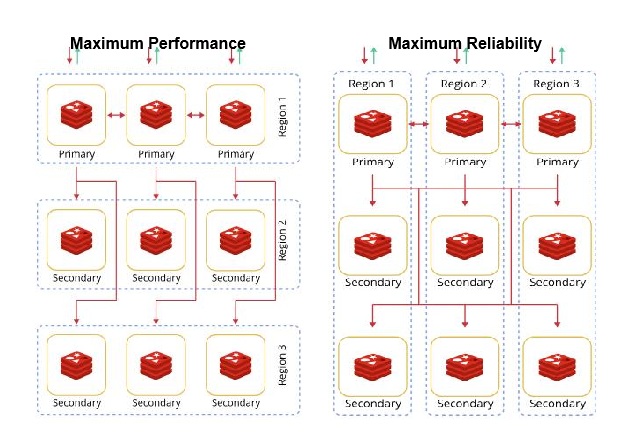
| Topology | Defines the topology: Maximum Performance or Maximum Reliability. | Performance: lower latency and maximum throughput. Reliability: focus on fault tolerance. |
| Regions | Regions where the cluster will be deployed. | In Maximum Reliability, the 1st region hosts the primaries and the others, the replicas. |
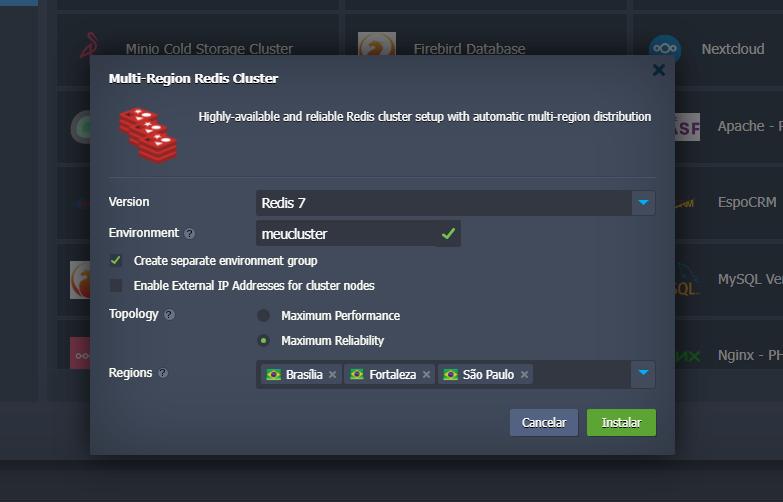
➡️ Click Install to start provisioning.
Cluster topology
⛏️ Provisioning
After confirmation, the platform prepares the infrastructure and executes the initial flow of node creation and cluster configuration.
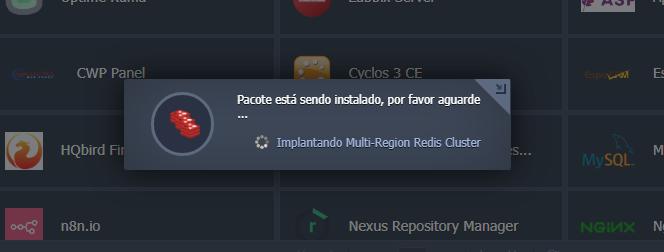
SaveinCloud manages, in the background, the creation and configuration of components (Redis nodes, network, DNS/load balancing when applicable) transparently — without requiring complex interventions.
⏳ Please wait for the creation to complete.
✅ Completed
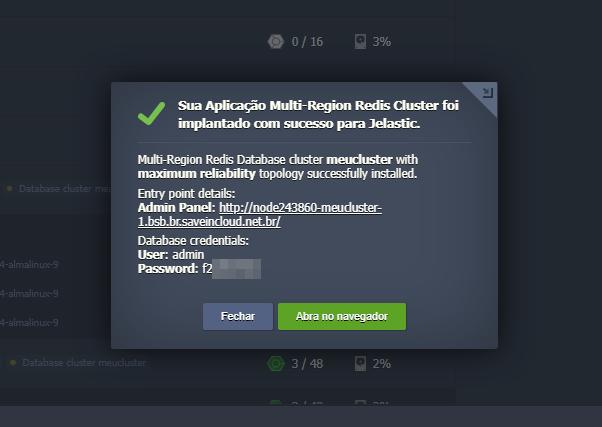
Upon completion, a pop-up with some important information is displayed, and the environment is already ready for use.
📬 Access to P3X Redis UI
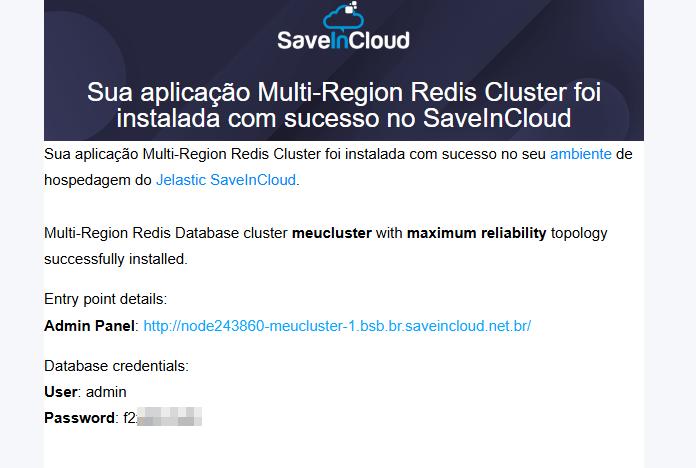
You will receive a confirmation email with the URL and credentials for the P3X Redis UI panel.
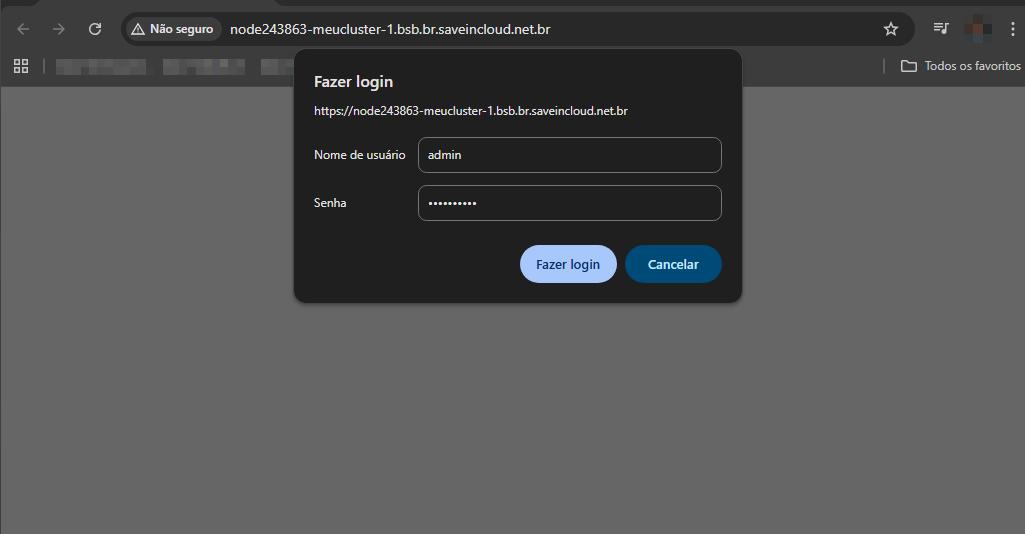
- Access the received URL.
- Log in with the credentials.
🔑Login to the Redis Panel
▶️Logged in as Admin
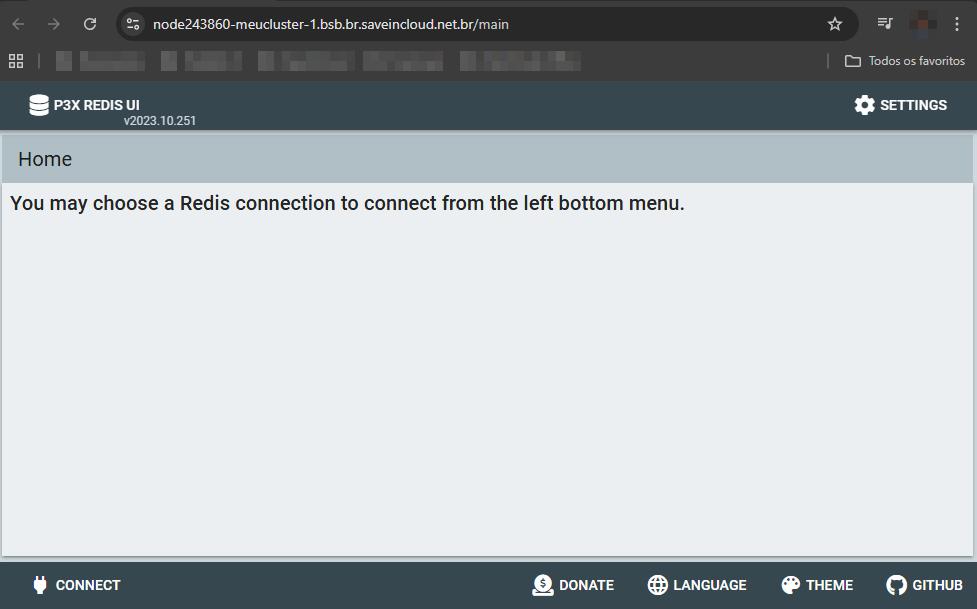
The same credential is valid for the other nodes of the cluster (Node IDs) within the same environment.
➡️ Access via the platform
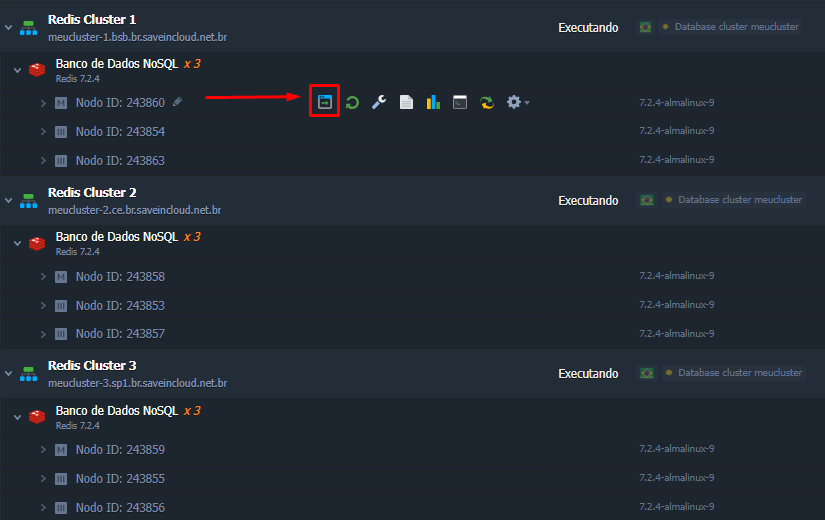
In the platform panel, the Open in Browser button takes you directly to the environment's home page.
🔗 Useful Links
- Redis Docs: https://redis.io/docs/latest/
- Virtuozzo: Redis Multi-Region Cluster: https://www.virtuozzo.com/application-platform-docs/redis-multi-region-cluster/
🧠 Support
If you have questions or issues with the configuration, contact SaveinCloud Technical Support through the channels available in the panel.