📊 NGINX Amplify – SaveinCloud
⚠️ All configurations shown in this manual are simple and hypothetical examples. Adaptations may be necessary depending on the topology and structure of your environment.
NGINX Amplify is an official solution from NGINX (F5) for monitoring NGINX and NGINX Plus instances.
It provides real-time metrics on CPU usage, memory, active connections, requests, errors, and logs, as well as alerts and insights to optimize the web server configuration.
On SaveinCloud, NGINX Amplify can be added as an addon in NGINX environments, allowing you to integrate your containers with the Amplify dashboard for centralized monitoring.
🚀 Installing NGINX Amplify
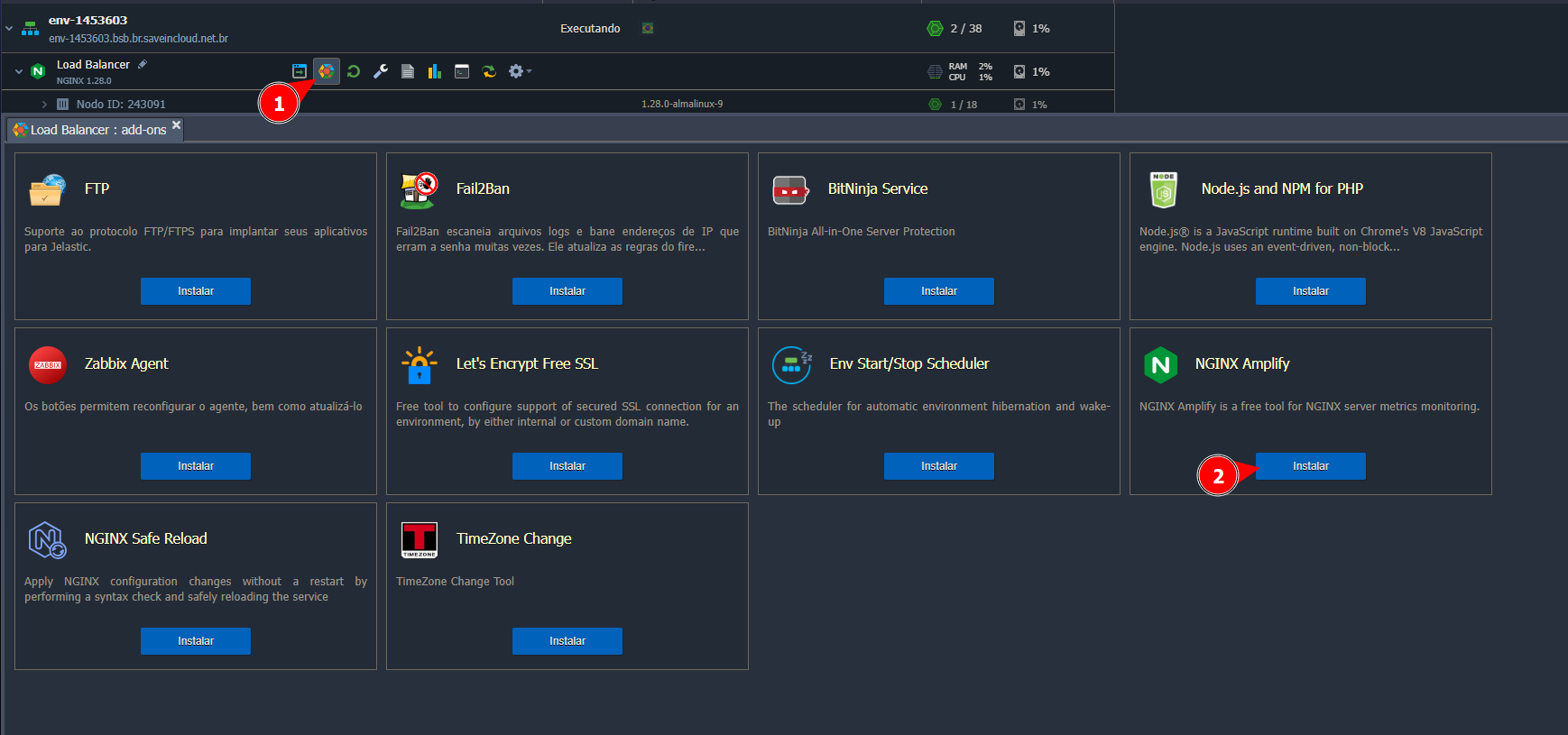
Choose the node where you want to install the addon, and access the addons tab, as shown in the screenshot below:
⚙️ Configuring NGINX Amplify
After selecting "Install," a window will appear to enter the API Key:
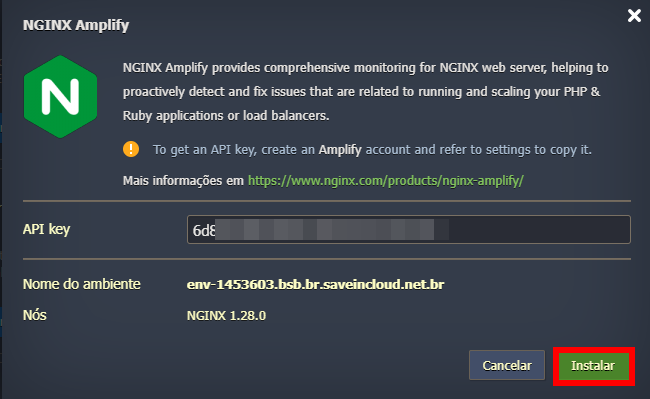
⚠️ This key must be obtained externally from the official NGINX Amplify website by creating an account: https://amplify.nginx.com/login
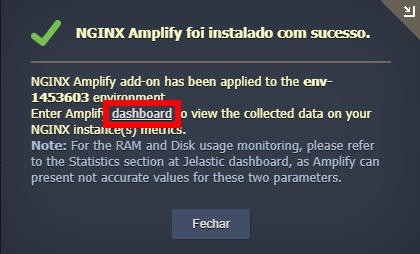
After entering the API Key and completing the installation, a screen will be displayed indicating where you can open the dashboard to view NGINX information:
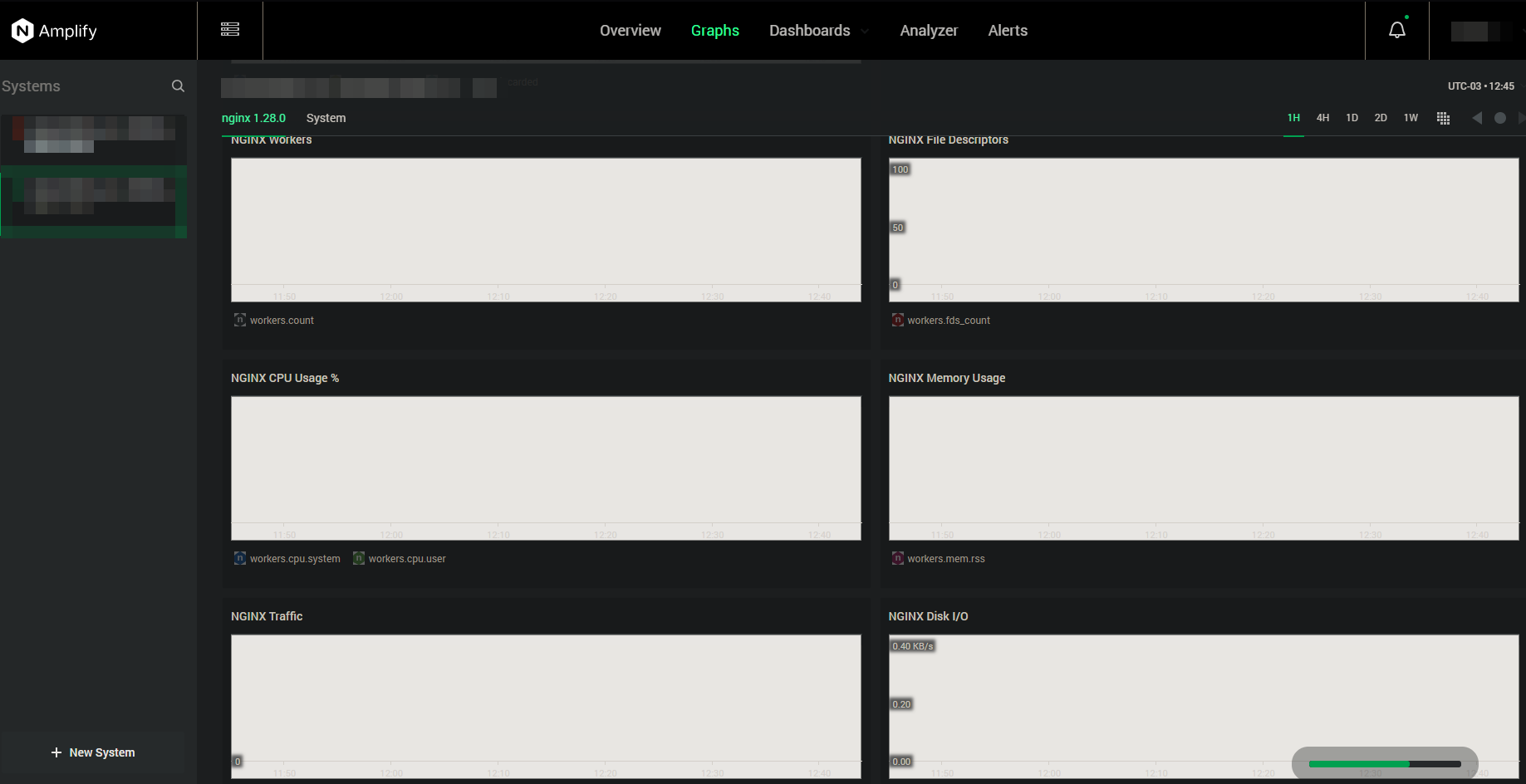
Accessing the dashboard, you will be able to view information related to NGINX:
For more information about NGINX Amplify configurations, you can check the official tool documentation: