⚙️ Learn How to Configure Deployment Hooks for Your Application
Deployment hooks allow you to perform automated operations, such as running custom scripts before and/or after deploying your application.
You can manage hooks in two ways:
- Via the Deployment Manager 🧰
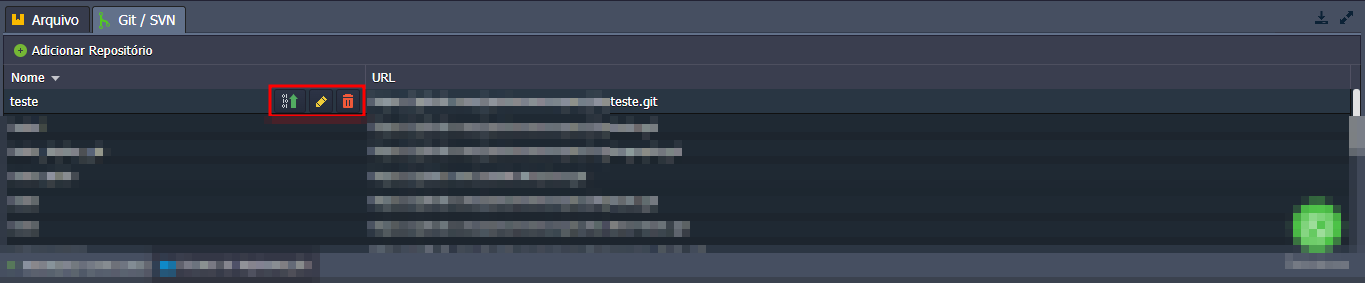
- Through the Deployments section directly on the application server 🖥️
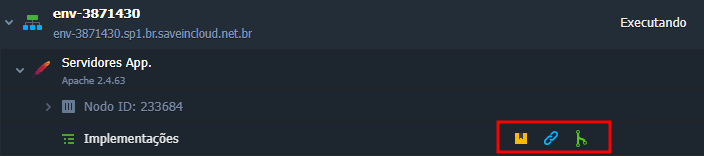
When accessing the deployments panel, you can expand the Hooks section, as shown in the image below:
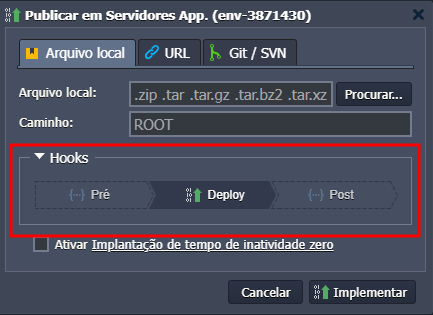
⏳ Pre-Deploy Hook
The pre-deployment hook allows you to execute necessary actions before deploying the application, such as:
- 🛑 Temporarily stopping the application service;
- 💾 Backing up existing files;
- 🧹 Clearing caches or previous builds;
- ✅ Validating environment variables or configurations;
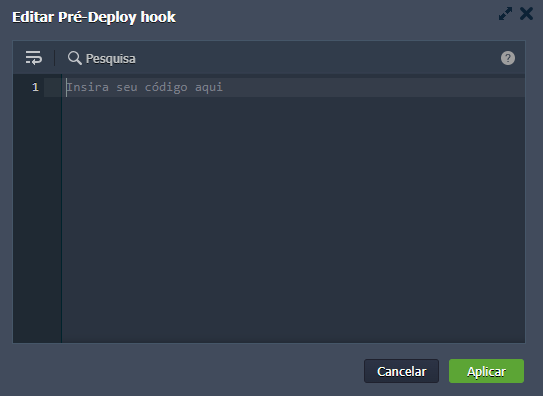
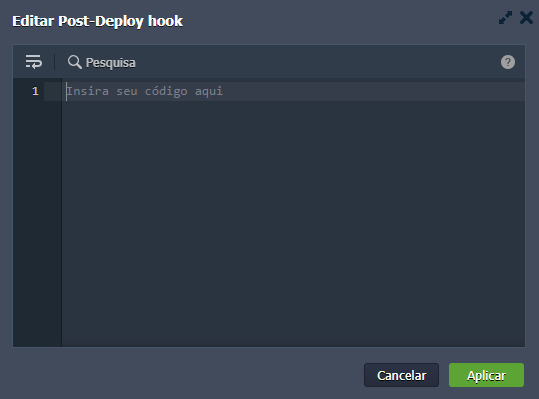
✅ Post-Deploy Hook
The post-deployment hook allows you to run commands after the deployment is complete, such as:
- 🔄 Restarting the application server service;
- 📦 Installing project dependencies (
npm install,composer install, etc.); - 🛠️ Compiling the application (
build,migrate, etc.); - 📡 Notifying external systems (webhooks, monitoring, etc.);
In case of an error, a message will be displayed, as shown in the image below:
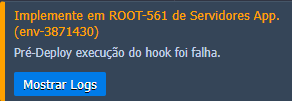
By clicking Show Logs, you can check the error details. You can also consult the hooks.log file in the  Logs section of the application server.
🧠 Questions?
Contact technical support! Our team is available to help you whenever you need.