🌐 Creation and Deletion of Kubernetes Cluster
This guide shows how to simply deploy a Kubernetes Cluster in Nuvion by SaveinCloud.
🚀 1. Access the Nuvion UI Panel
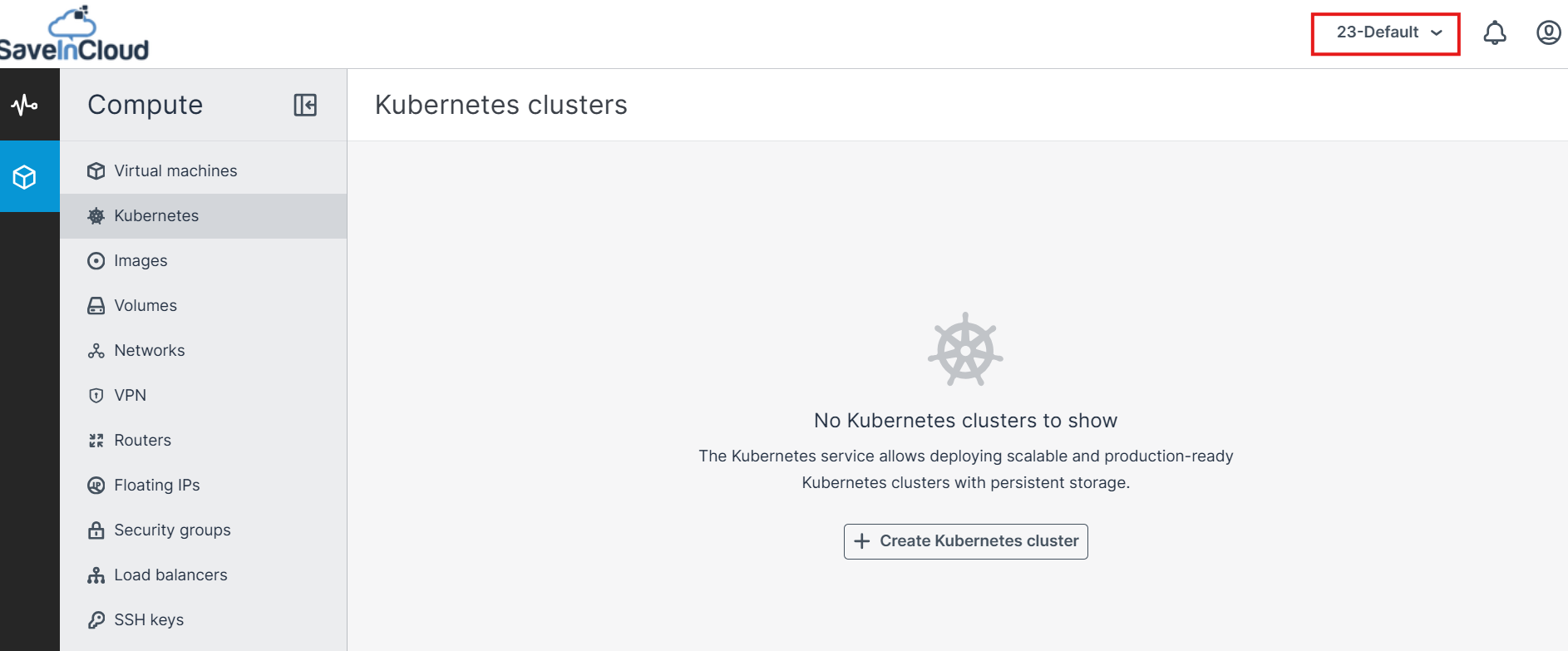
Access the Nuvion Panel, and for this tutorial we will select the region: SP and the project as DEFAULT.
🚀 2. Creating the Kubernetes Cluster
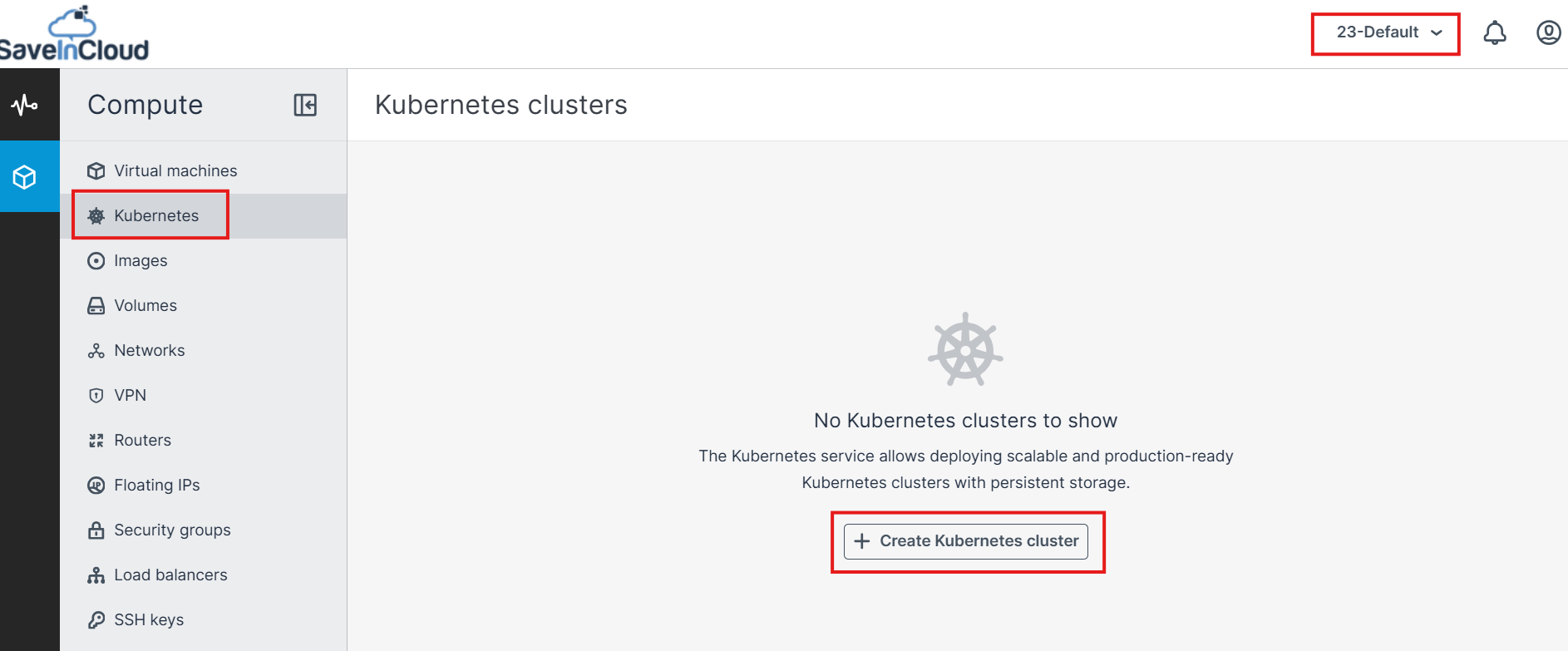
Click the Create Kubernetes Cluster button, and wait for the next page to load.
-
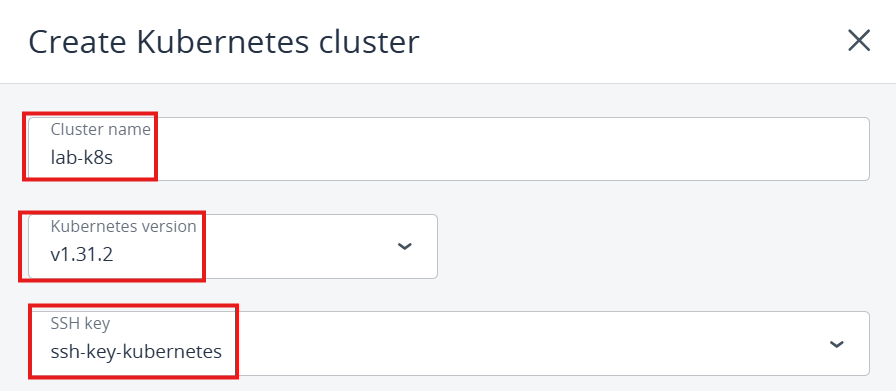
On the page that opens, we will define the settings for our cluster, first enter the Cluster name, we will set it as: lab-k8s.
-
For Kubernetes Version, we will leave it at the latest version: v1.31.2
-
For SSH Key, we will select the Key we created for SSH access to the master and worker nodes.
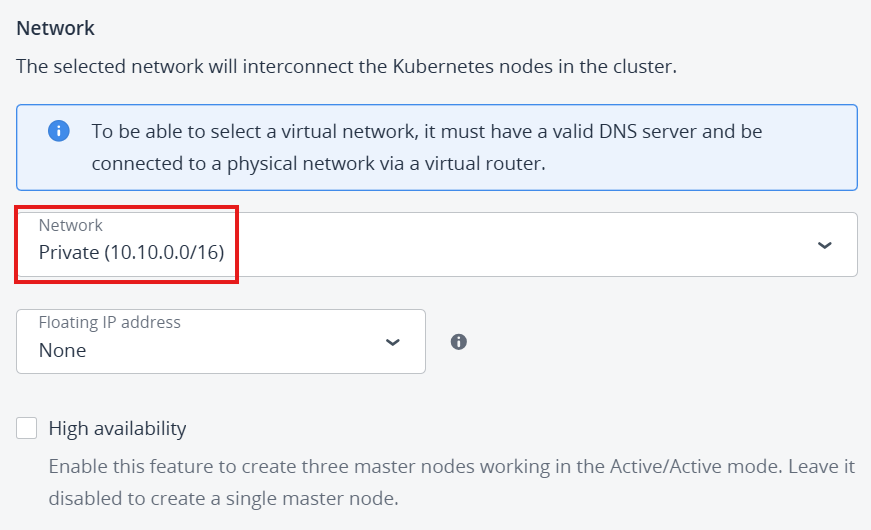
- In the Network section, select the private network (10.0.0.0/16)
- We will not use Floating IP for our Master Node (Control Plane)
- For this test scenario, we will not use HA.
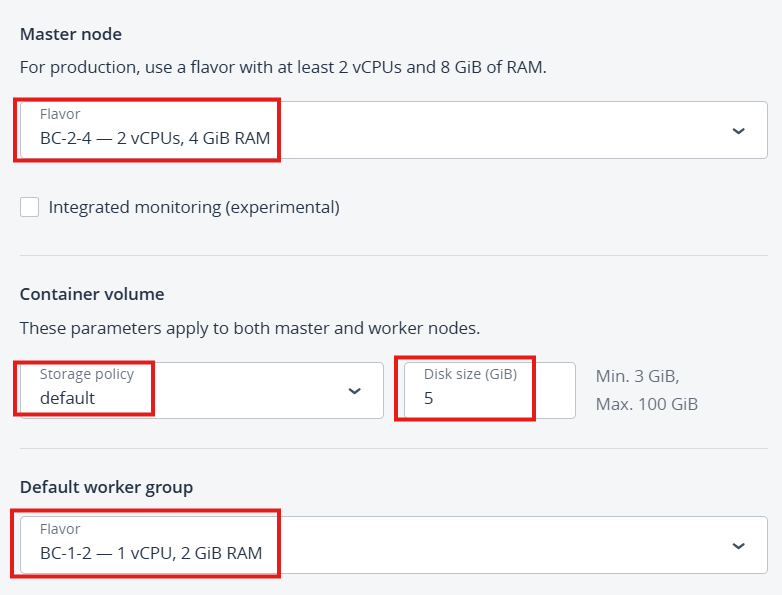
- In the Master Node section, we will define the Flavor: BC-2-4
- In the Container Volume section, leave Storage Policy as default, and Disk Size as 5GB.
- In the Default Worker group, we will define the Flavor: BC-1-2
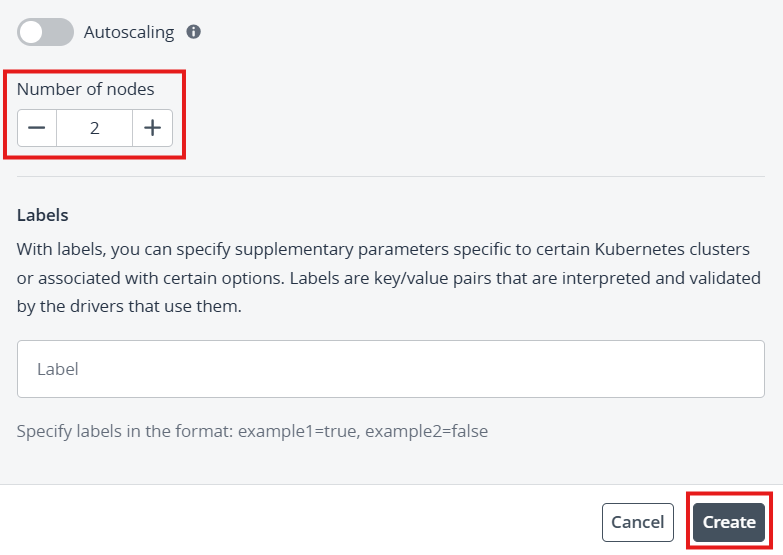
- In the final step, we will define that our Kubernetes Cluster will have 2 Worker Nodes, for this lab scenario we will not use Auto Scaling yet, the Label will remain as default, then click the Create button.
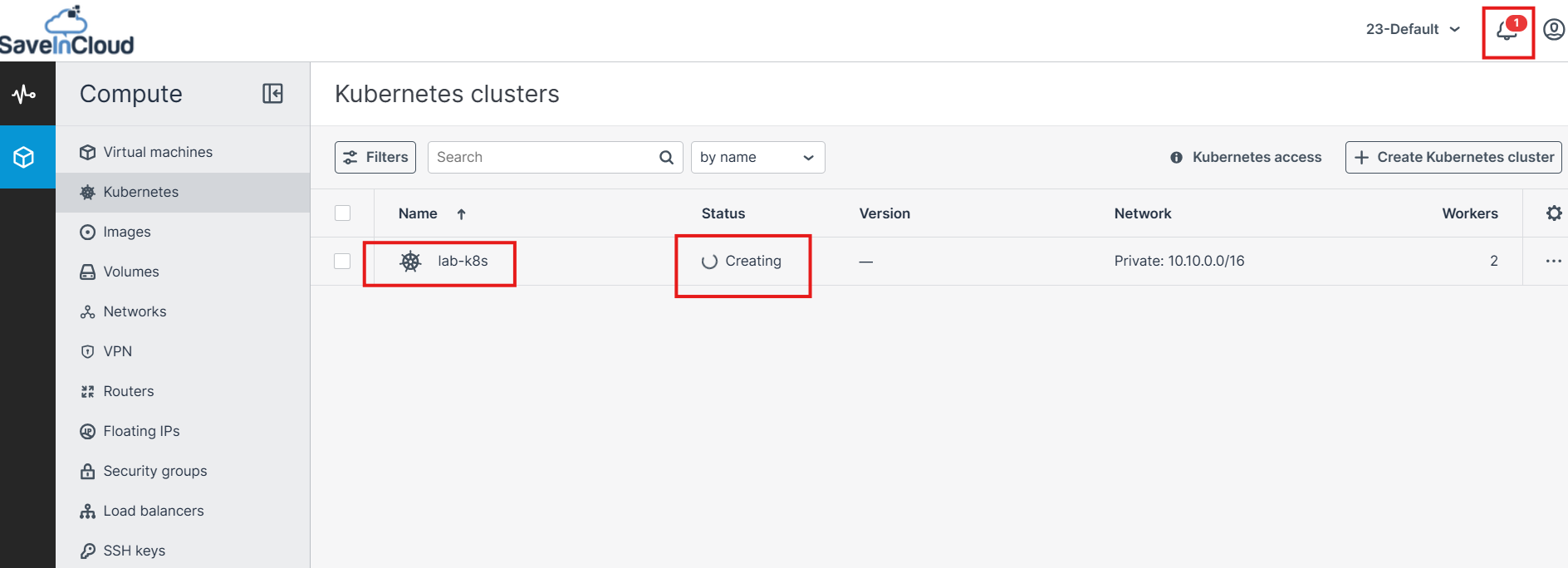
- In the next step, the creation process of the cluster will start, you can check the status in Creating... mode and in the notification bell.
-
The creation of the Kubernetes cluster will begin. The master and worker nodes will appear on the Virtual Machines screen, while their volumes will be shown on the Volumes screen.
-
After the cluster is ready, click Access Kubernetes to get instructions on how to access the control panel. You can also access the Kubernetes master and worker nodes via SSH, using the assigned SSH key and the username core.
🚀 3. To delete a Kubernetes Cluster
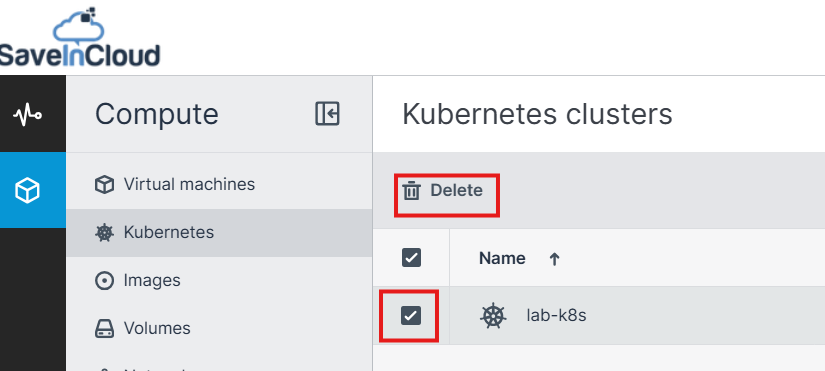
- On the Kubernetes clusters screen, click the desired Kubernetes cluster and then click Delete. The master and worker VMs will be deleted along with their volumes.
🧠 Questions?
Contact our SaveinCloud technical support team!