🔑 Cluster Access with kubectl
kubectl is the terminal tool used to create and manage everything inside the cluster (pods, services, ingress...). To use it, you need an access file called kubeconfig.
warning
The kubeconfig is a credential for your cluster. Do not share or publish this file.
🚀 Before you start
- Have a cluster with Active status.
- Have kubectl installed on your computer.
🚀 1. Download the kubeconfig
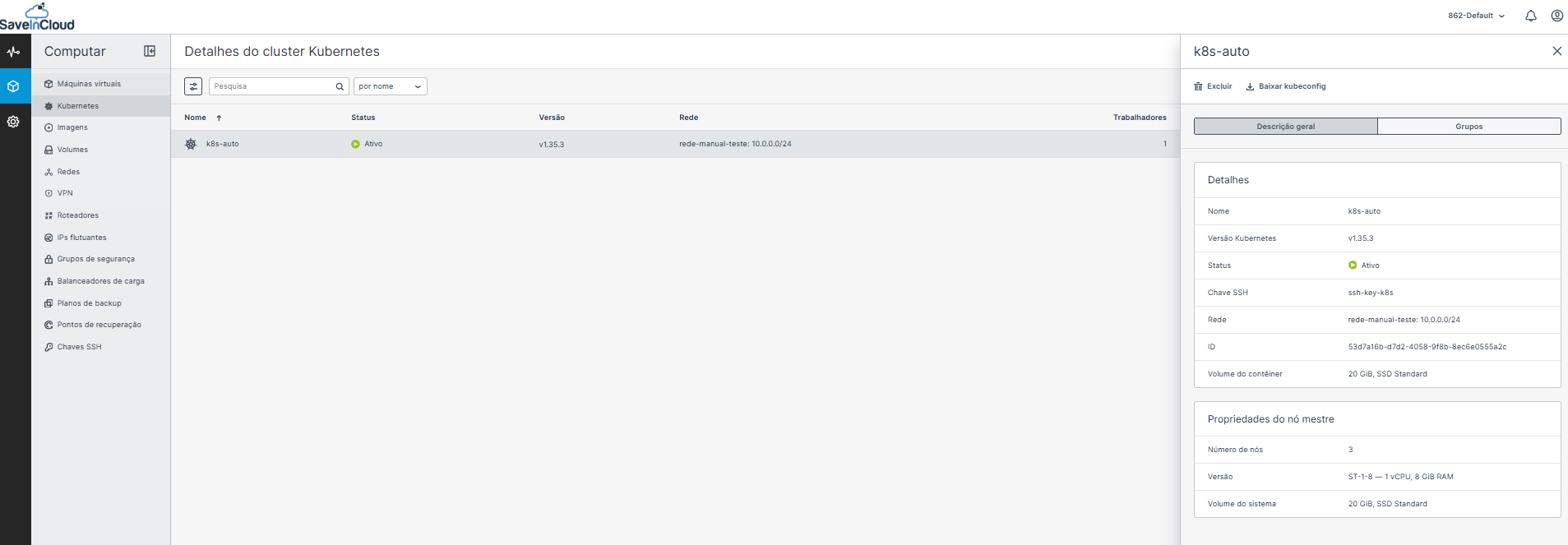
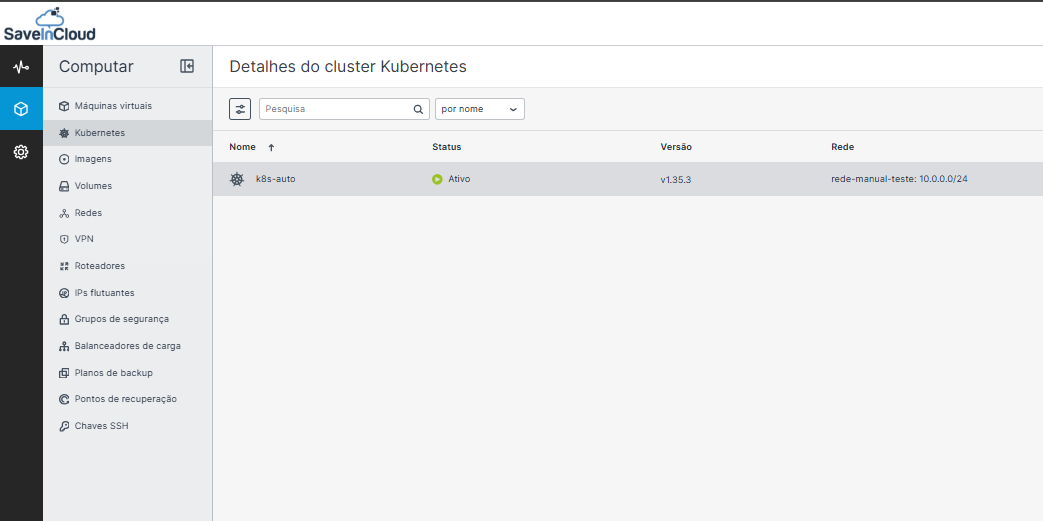
- In the Nuvion Panel, go to Compute > Kubernetes.
- Click the cluster name. The side panel will open.
- Click Download kubeconfig.
tip
The Kubernetes Access button, in the top right corner of the cluster list, also shows the access instructions.
🚀 2. Configure kubectl
- 🐧 Linux / macOS
- 🪟 Windows (PowerShell)
export KUBECONFIG=~/Downloads/FILE-NAME.yaml
$env:KUBECONFIG="$HOME\Downloads\FILE-NAME.yaml"
🚀 3. Test the connection
kubectl get nodes
You should see the cluster nodes (masters and workers) with STATUS Ready.
❗ Common problems
| Message | Cause | Solution |
|---|---|---|
kubectl: command not found | kubectl not installed | Install kubectl |
connection refused or timeout | No network access to the cluster | Check your connection and that the cluster is Active |
no configuration has been provided | KUBECONFIG variable not set | Repeat step 2 |
➡️ Next step: Pods
🧠 Questions?
Talk to our SaveinCloud technical support team!